All Day / All Night
The venue workspace
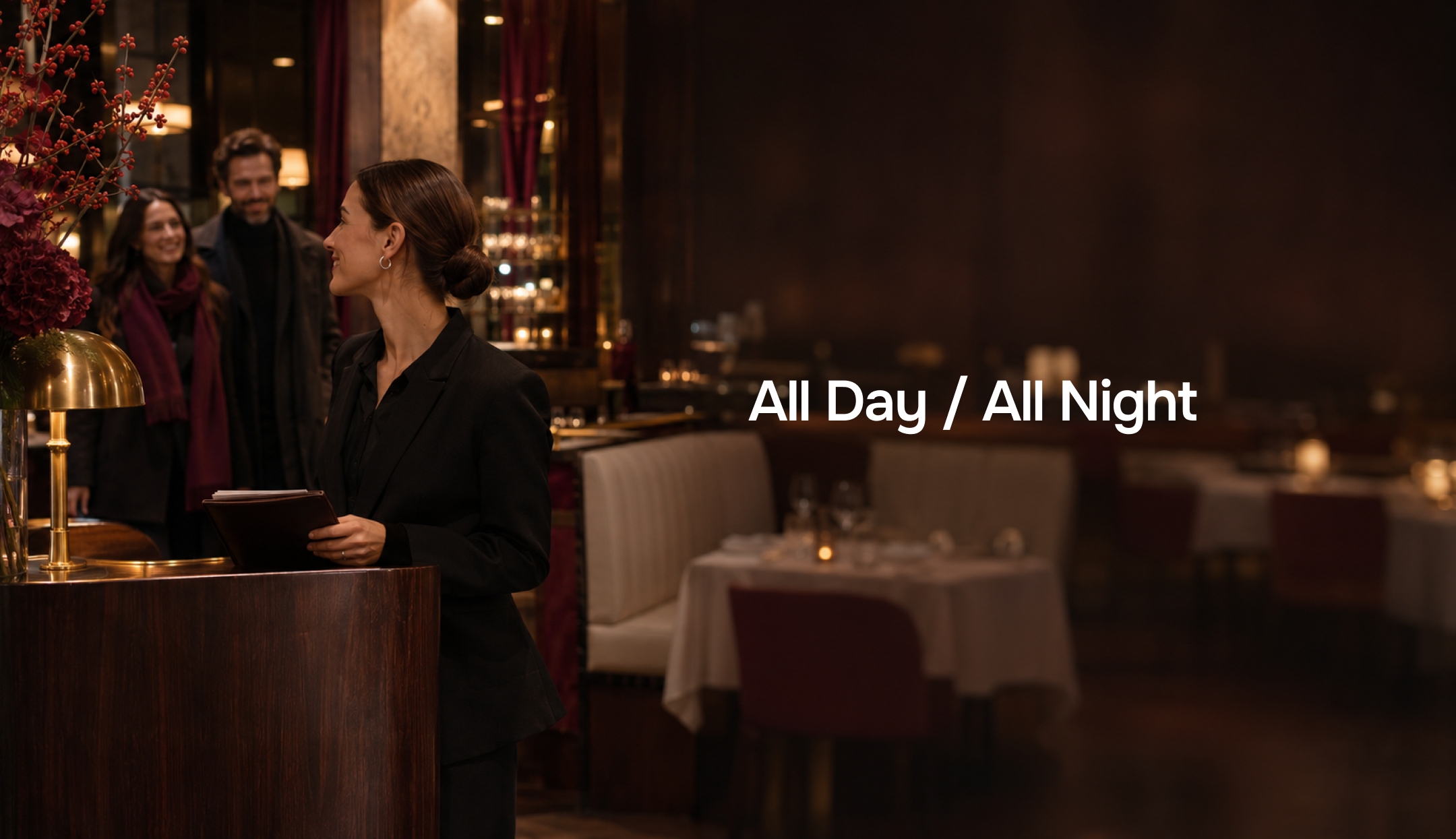
About the project
The venue workspace for All Day / All Night helps staff manage bookings, tables and menus. It supports the service guests use to find a place to meet.
Web app · Venue workspace
- Sections
- Bookings, seating and menu
A workspace for venues
Bookings, tables and visit statuses are all in one place. Staff can see current requests and act on them.
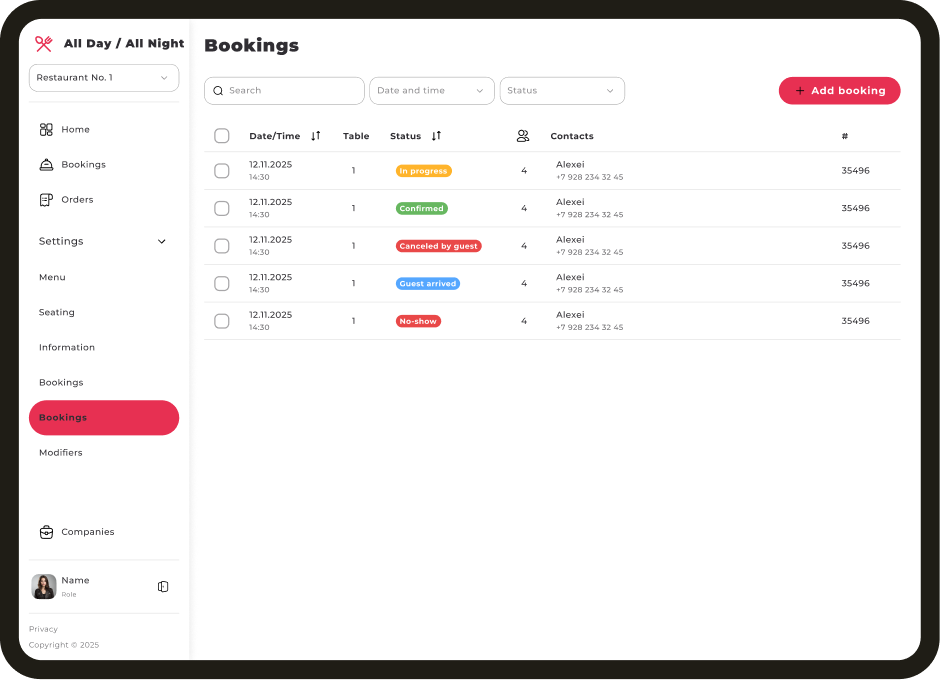
These are design mockups. Venues, dates, contacts and amounts are sample data.
The challenge
Give staff one place to accept bookings, assign tables, check deposits and keep venue information up to date.
The solution
Shared navigation and reusable components connect the booking list, booking details, seating and menu.
Venue workspace interface
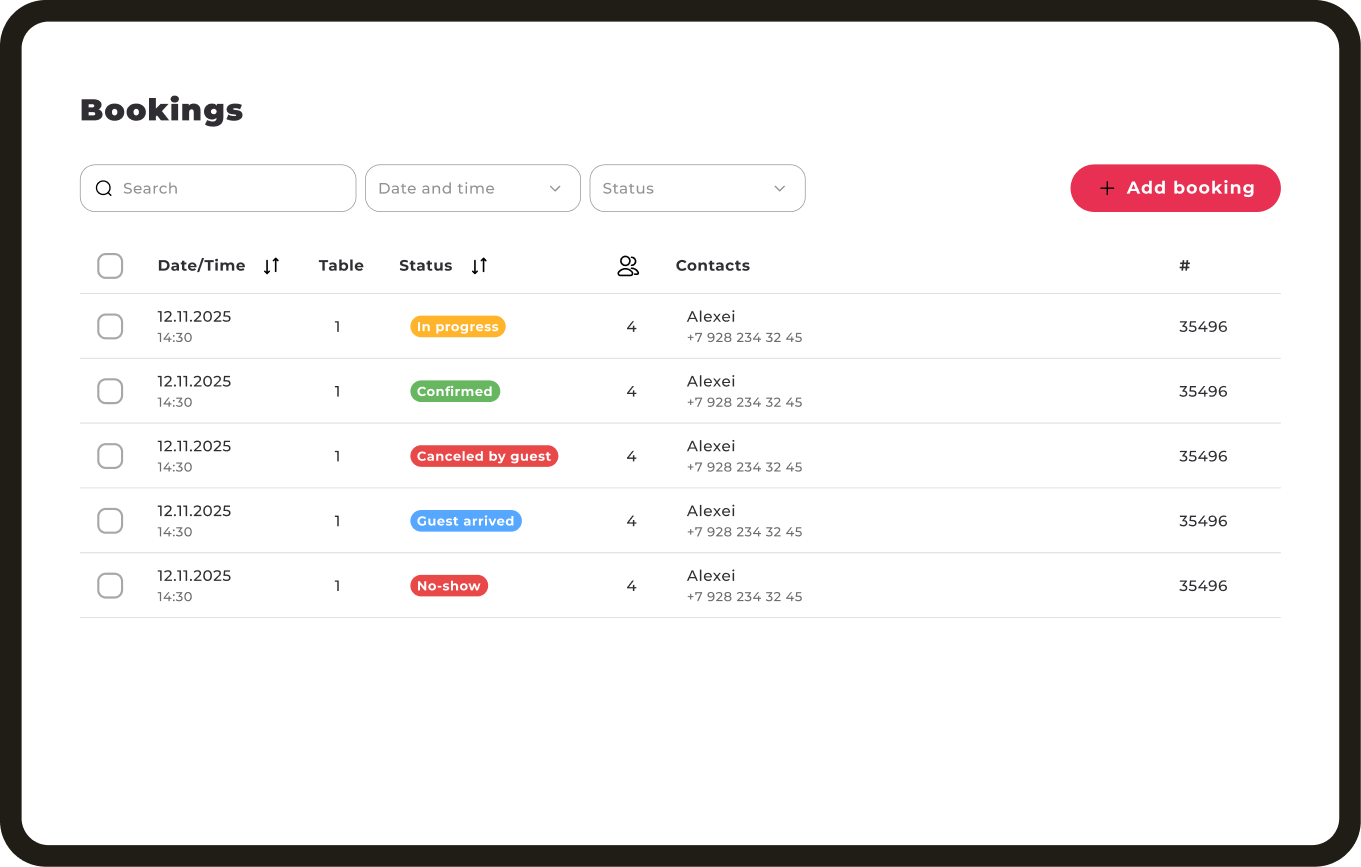
Bookings
Date, time, table, party size and status are visible together. Search and filters help staff find the right booking.
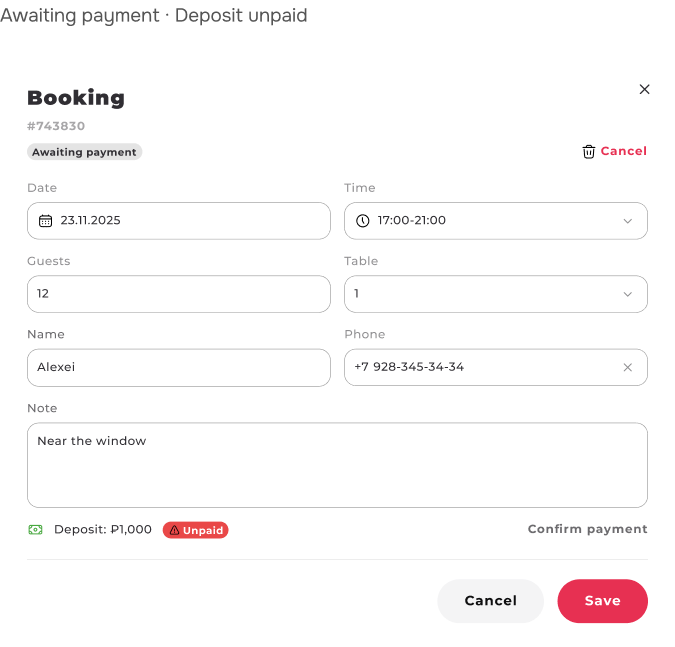
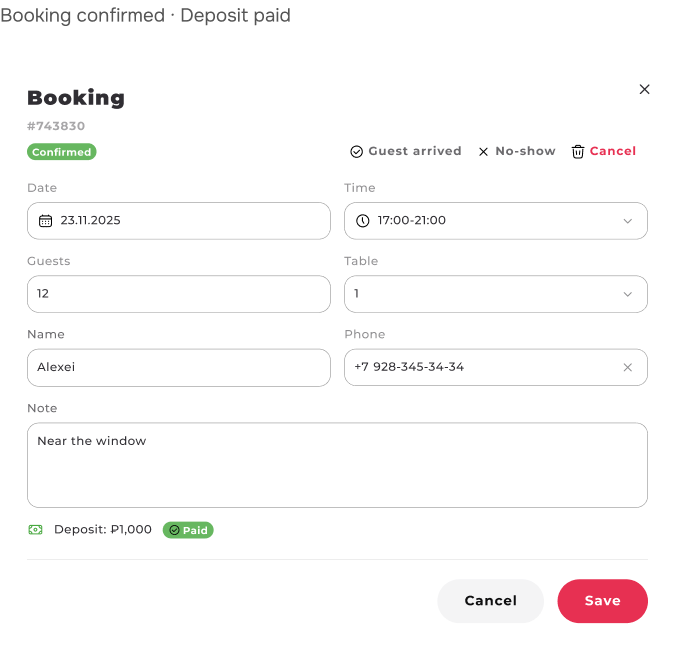
Bookings and deposits
The booking shows visit details, guest requests and the deposit. Staff can confirm payment separately.
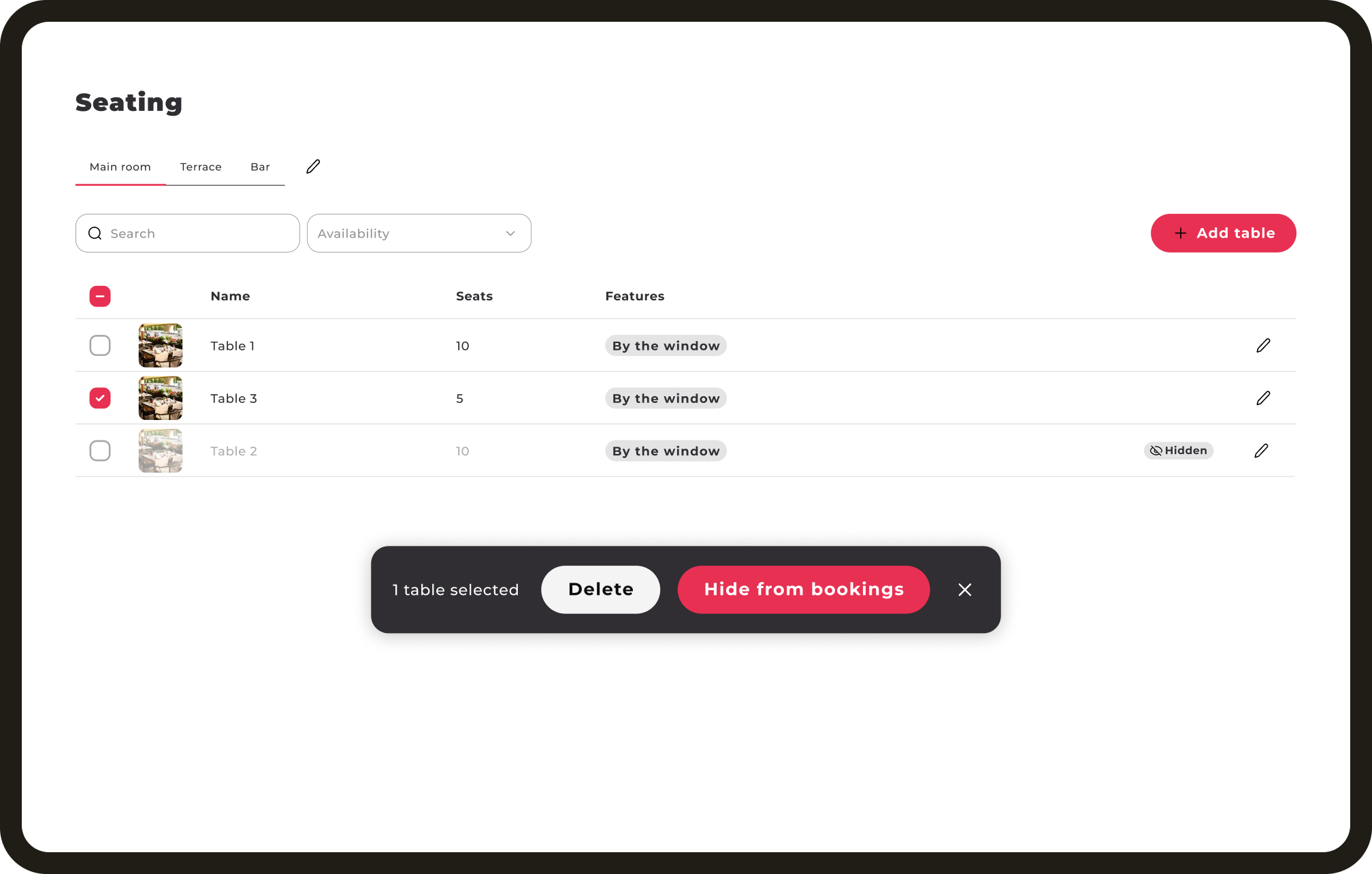
Seating
Rooms, capacity and table features help staff find a suitable table. Tables can be hidden from booking.
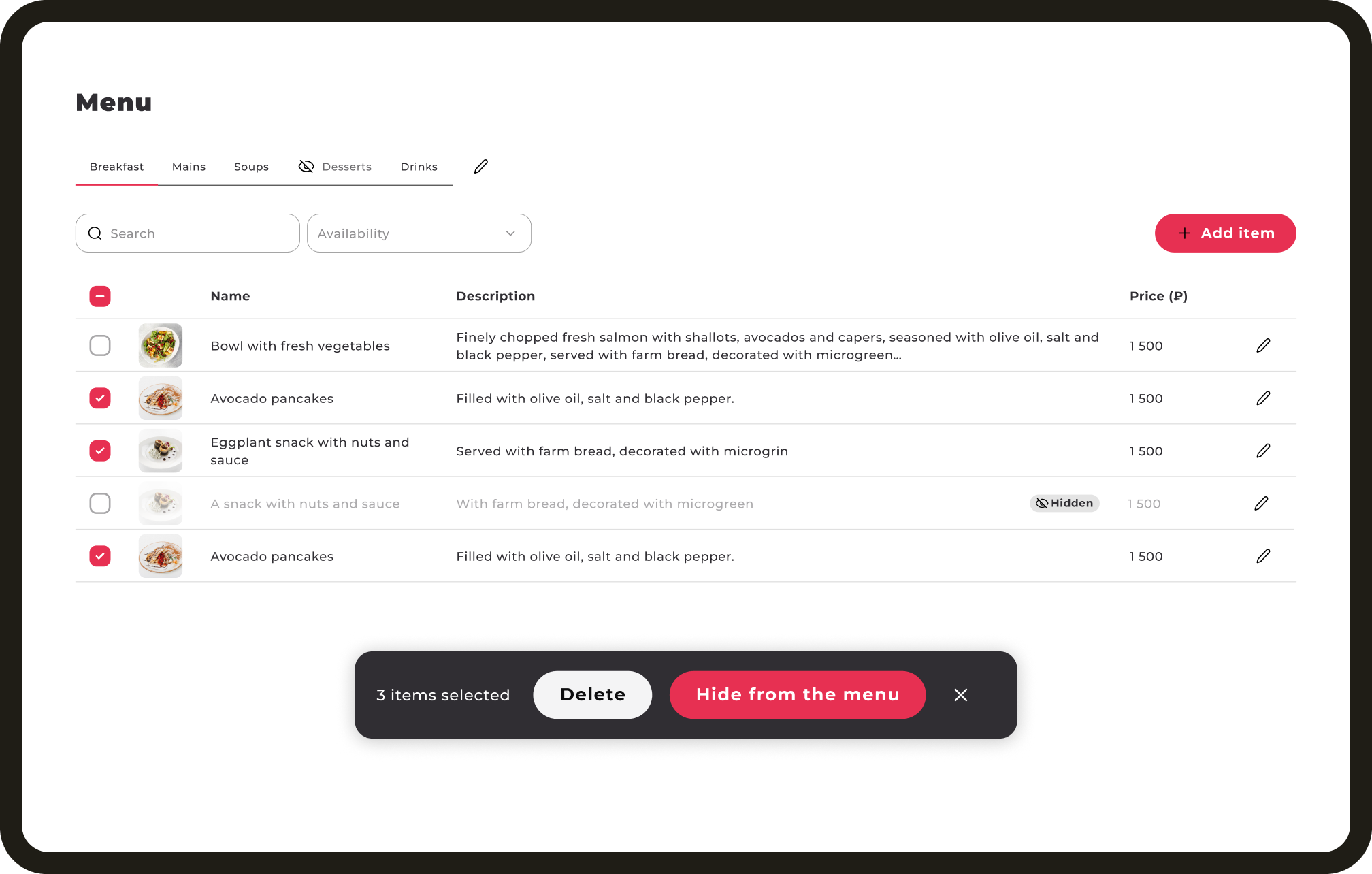
Menu
Categories, prices and availability are shown in one list. Staff can temporarily hide selected items.
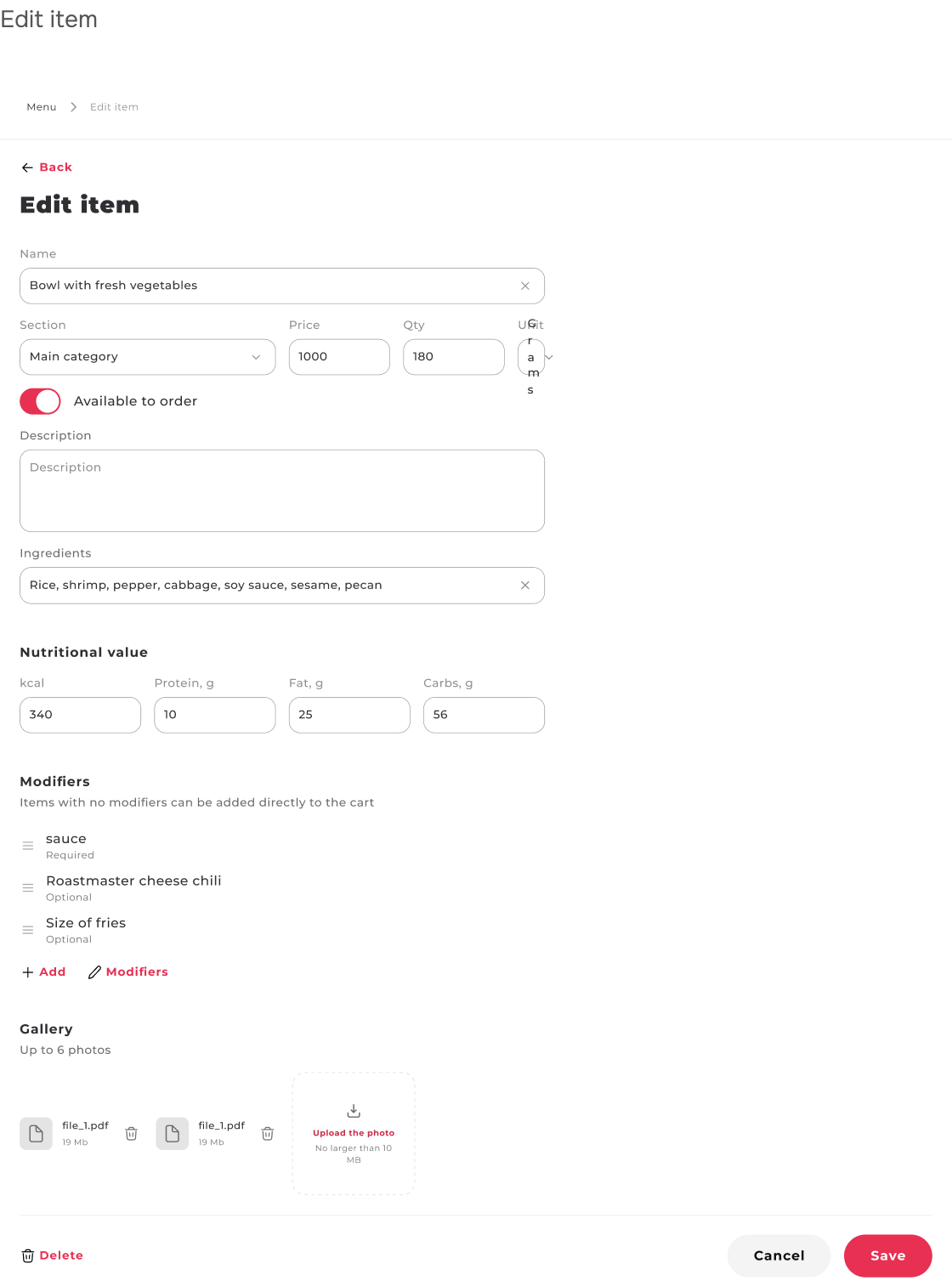
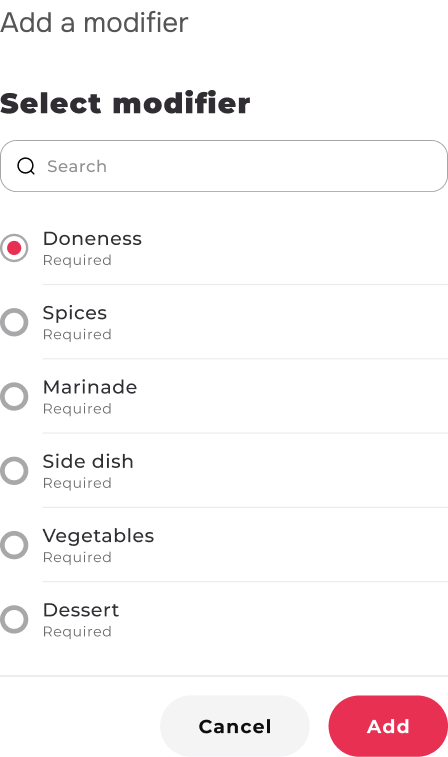
Items and modifiers
Each item has a price, ingredients, nutrition and photos. Required and optional modifiers define guest choices.
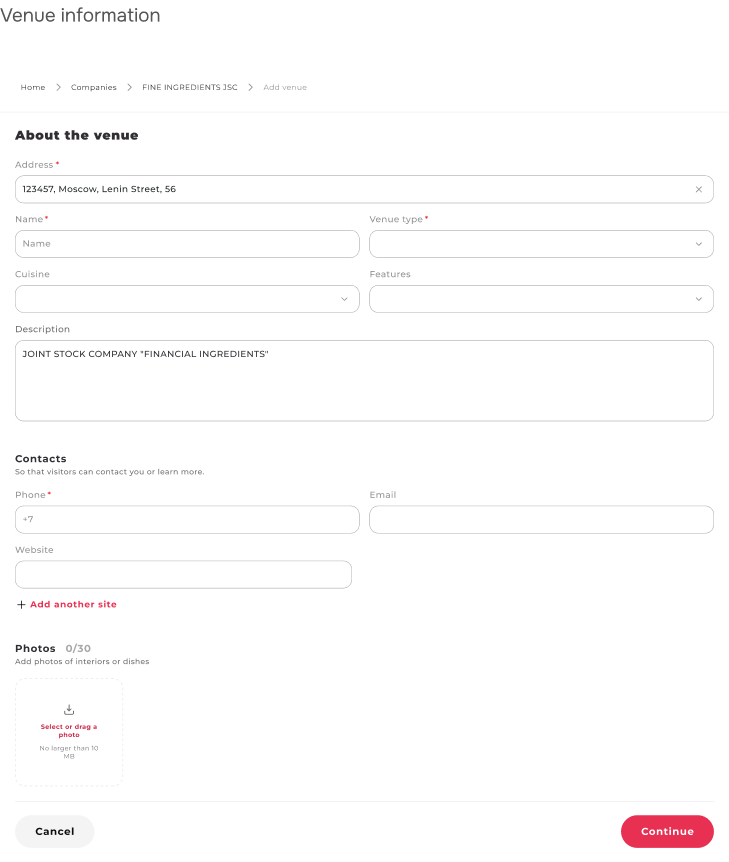
Venue information
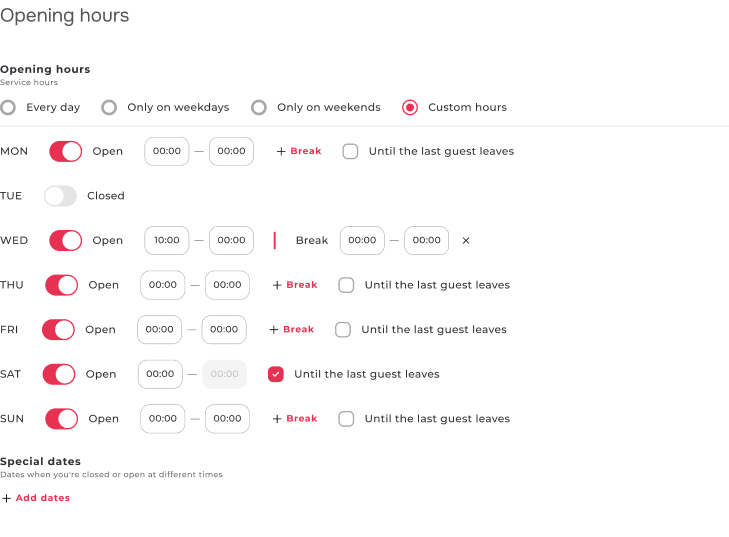
The address, photos, contacts and opening hours help guests decide where and when to visit.
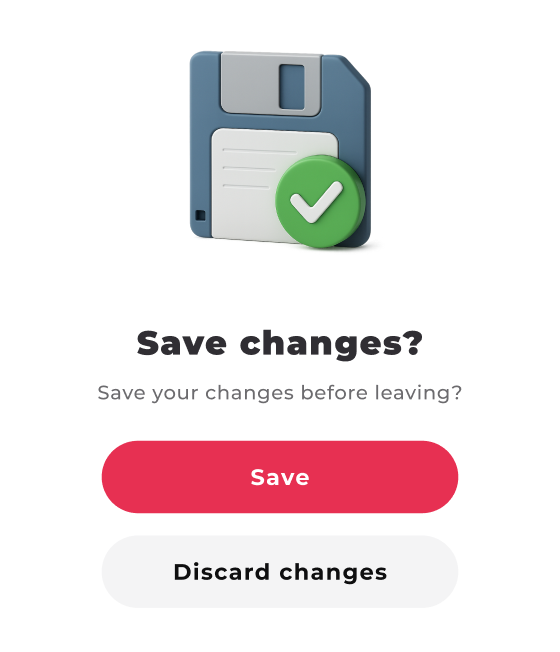
Confirmations
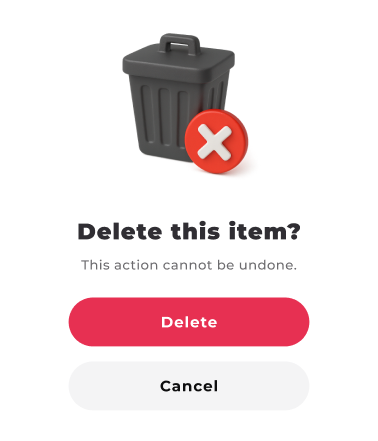
The interface flags unsaved changes and explains the consequences of deleting an item before staff proceed.
Result
The mockups cover bookings, deposits, seating and menu management. Shared components keep lists, forms and states consistent.
Have a project
for a product designer?
Send me a link to your product and a few words about what needs to change. I will review the task and suggest a suitable way to work together. Written communication works best for project discussions.