Event.Date
Event tickets and people to go with
About the project
Event.Date already had a website selling event tickets. The team wanted to test a new hypothesis: could people find someone to attend an event with through a ticketing service? I designed a mobile MVP to explore this.
2025 · USA
Role
Product designer
Team
Project owner, designer and developer.
A concert with company
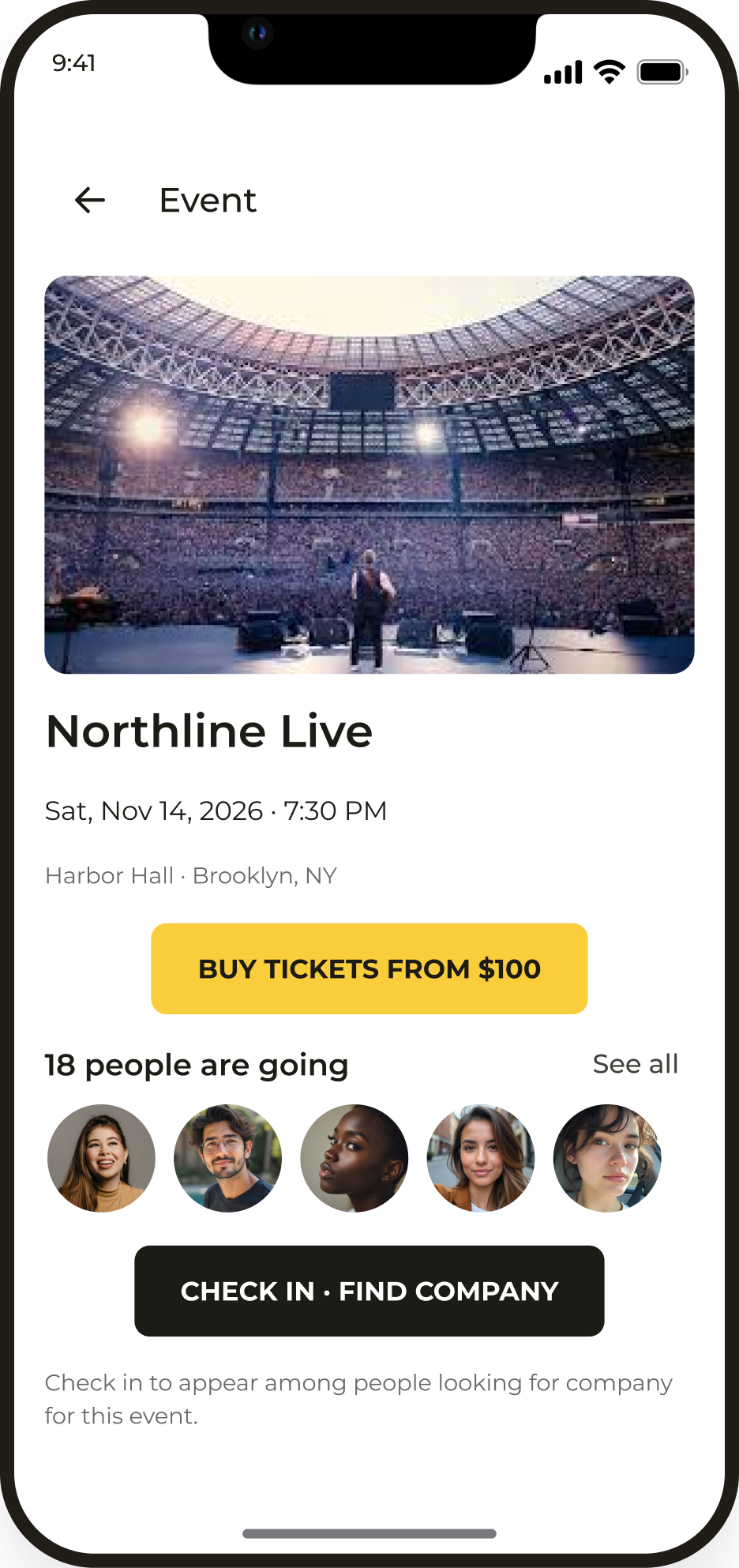
The app helps people choose an event, buy a ticket and meet others planning to attend. They can find company on an event page or through a general search.
The challenge
Create a mobile MVP based on the existing ticketing website and test the idea of meeting people around events. Connect finding company with choosing an event and buying a ticket.
My contribution
I analysed competitors, developed the structure and prototypes, worked through ticket purchase and people discovery flows, and designed the interfaces and custom icons.
Core user flow
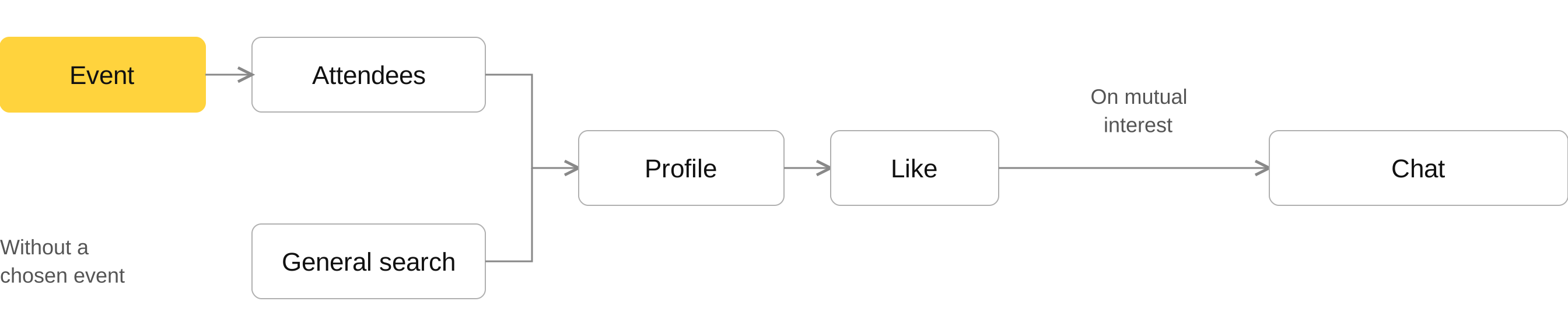
Two ways to meet people: through the attendees of a chosen event or through a general search. Both lead to a profile; mutual interest opens a chat.
Features and core flows
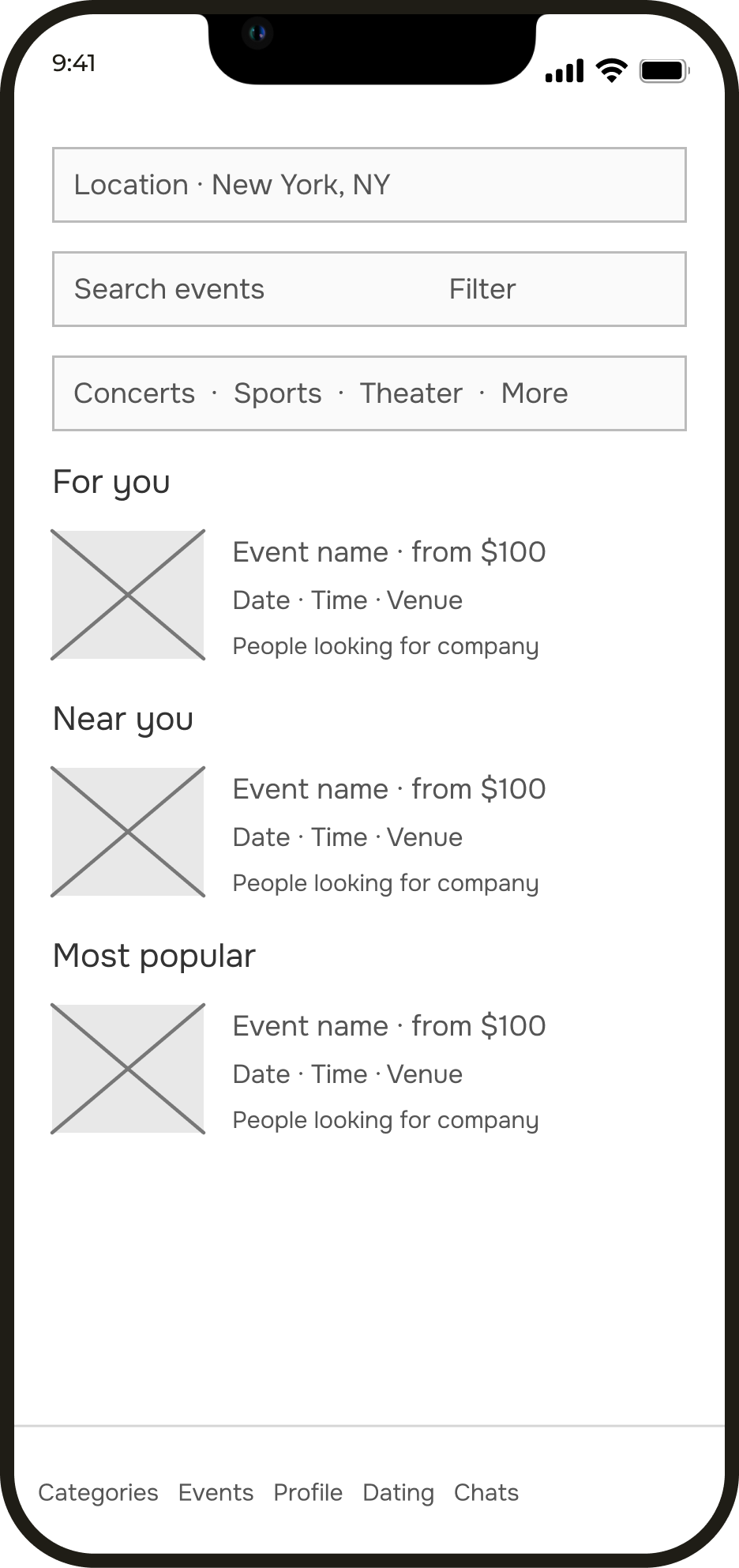
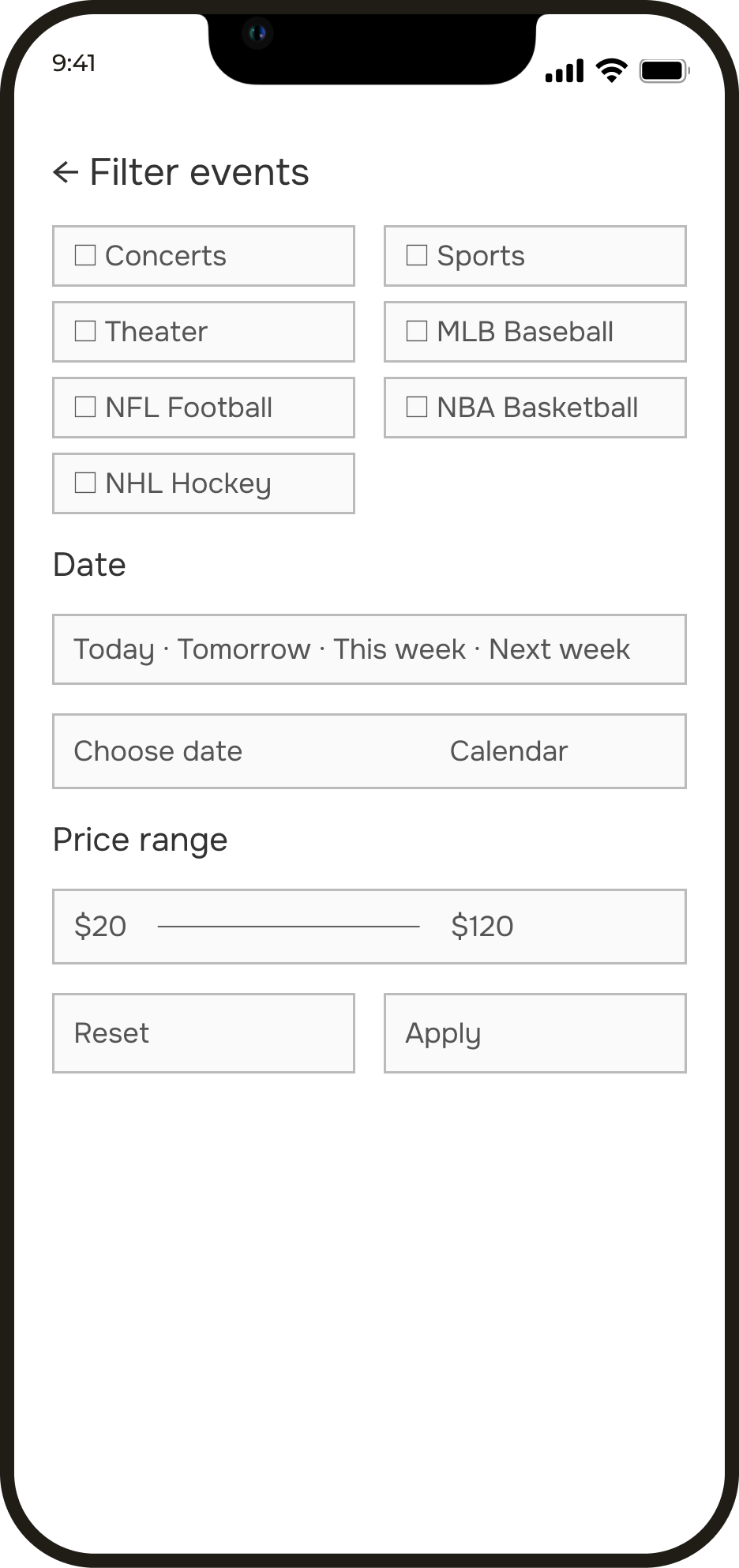
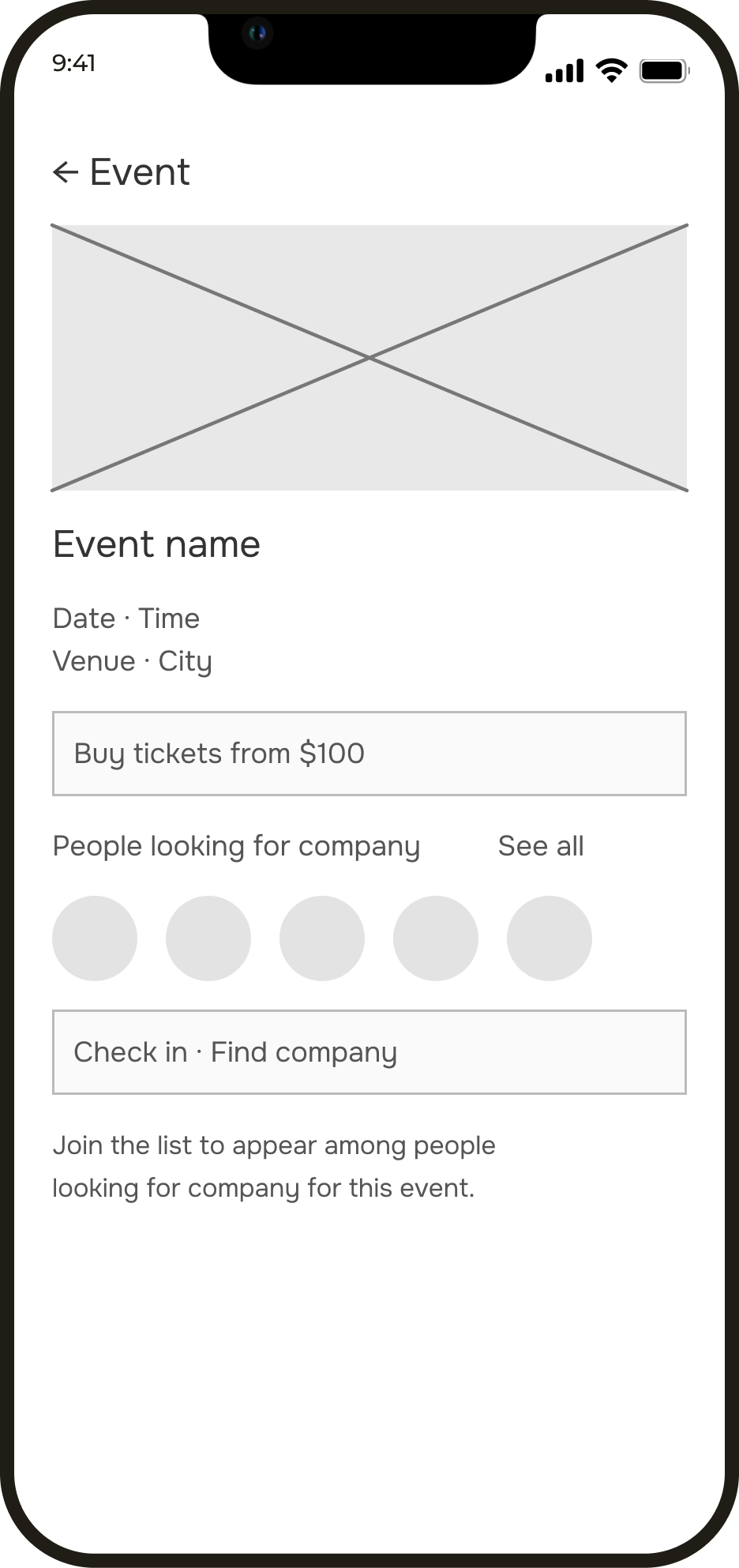
I designed how people find an event, narrow down their choices and move on to buying tickets or finding company. Wireframes helped validate the sequence before visual design.
App interface
Finding events
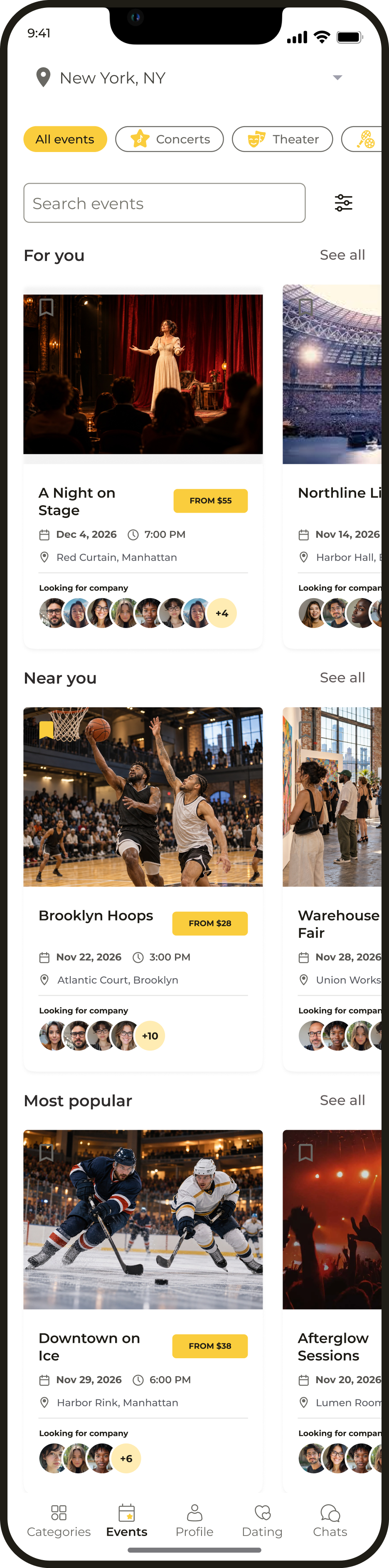
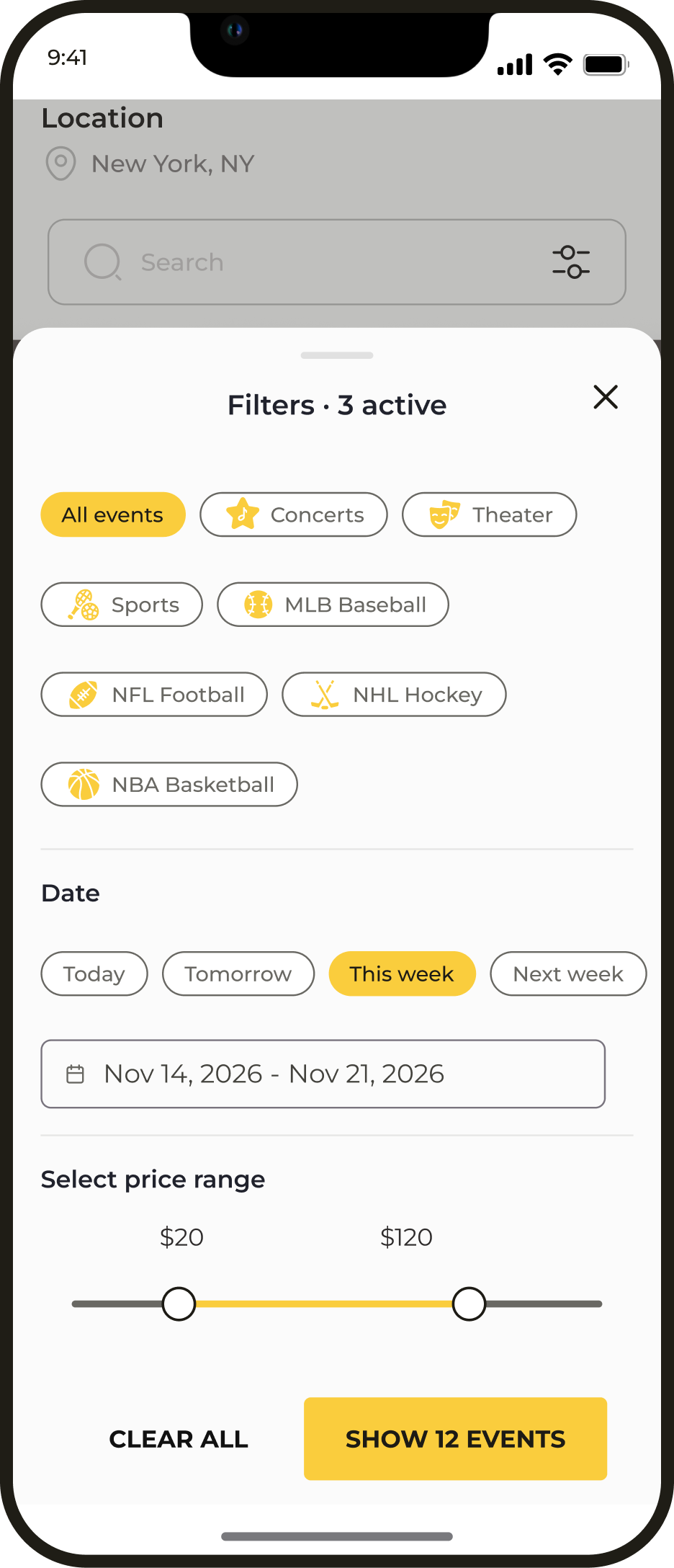
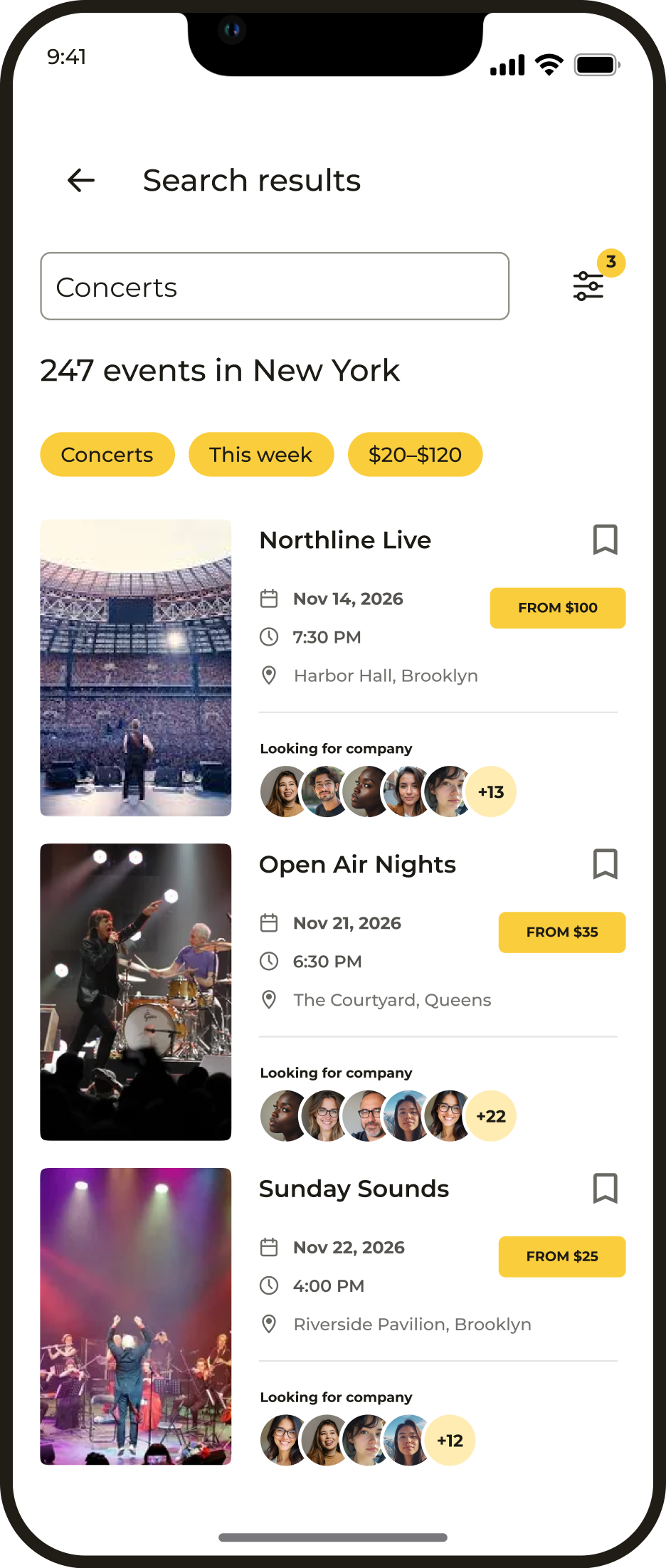
Helps people choose an event that suits their interests, schedule and budget. Before buying, they can see what to expect and who else plans to attend.
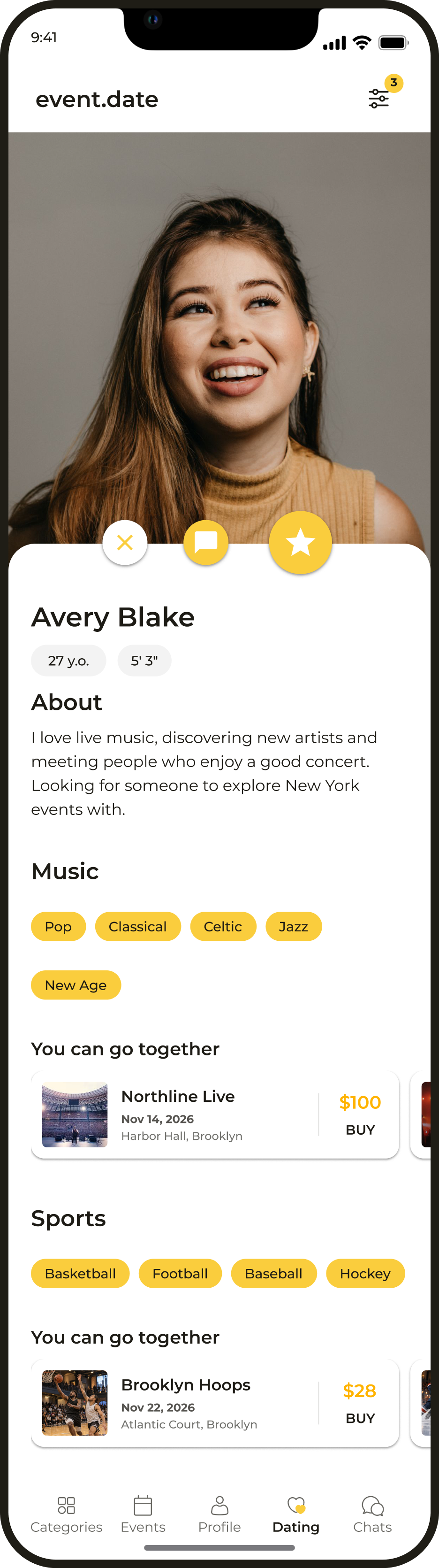
Finding company for an event
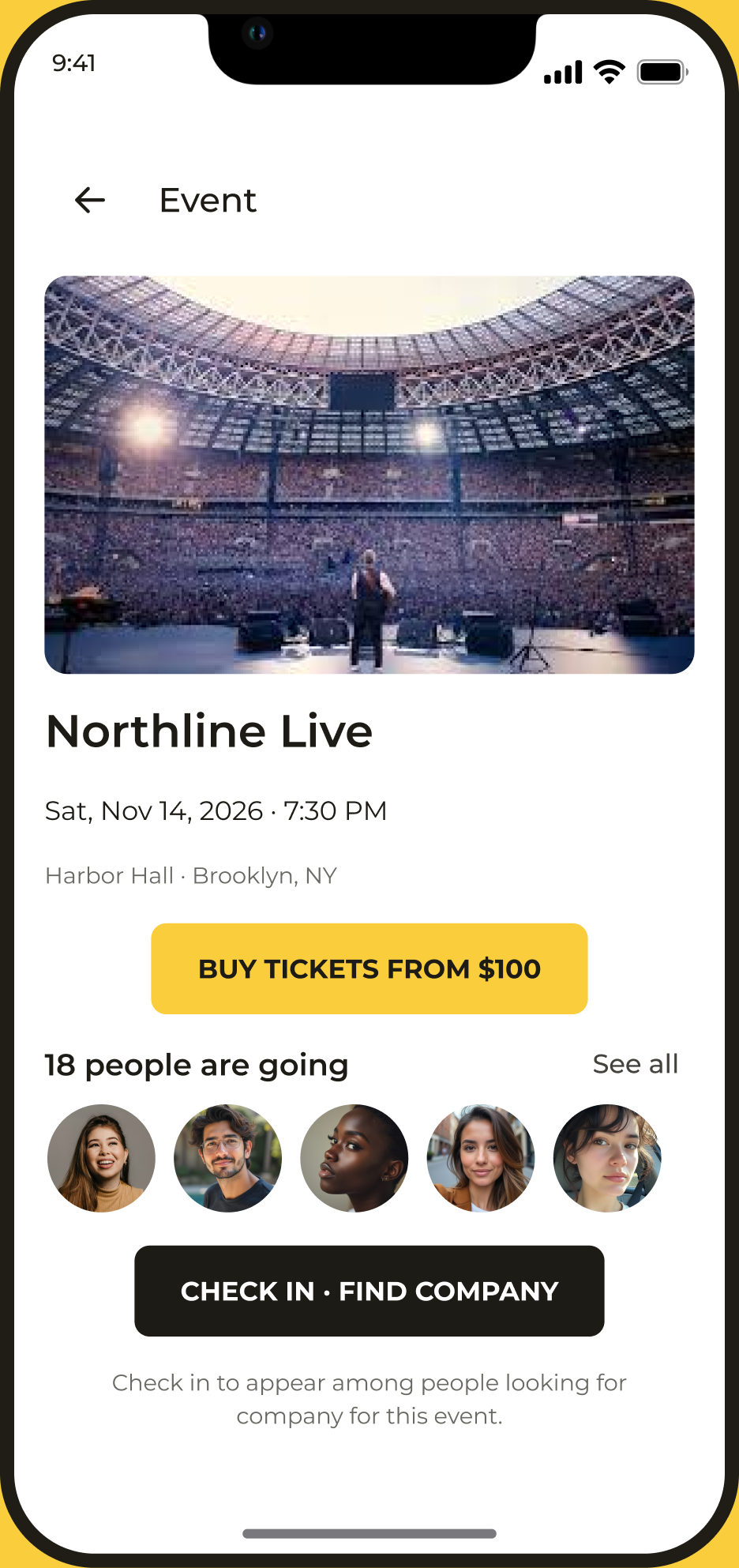
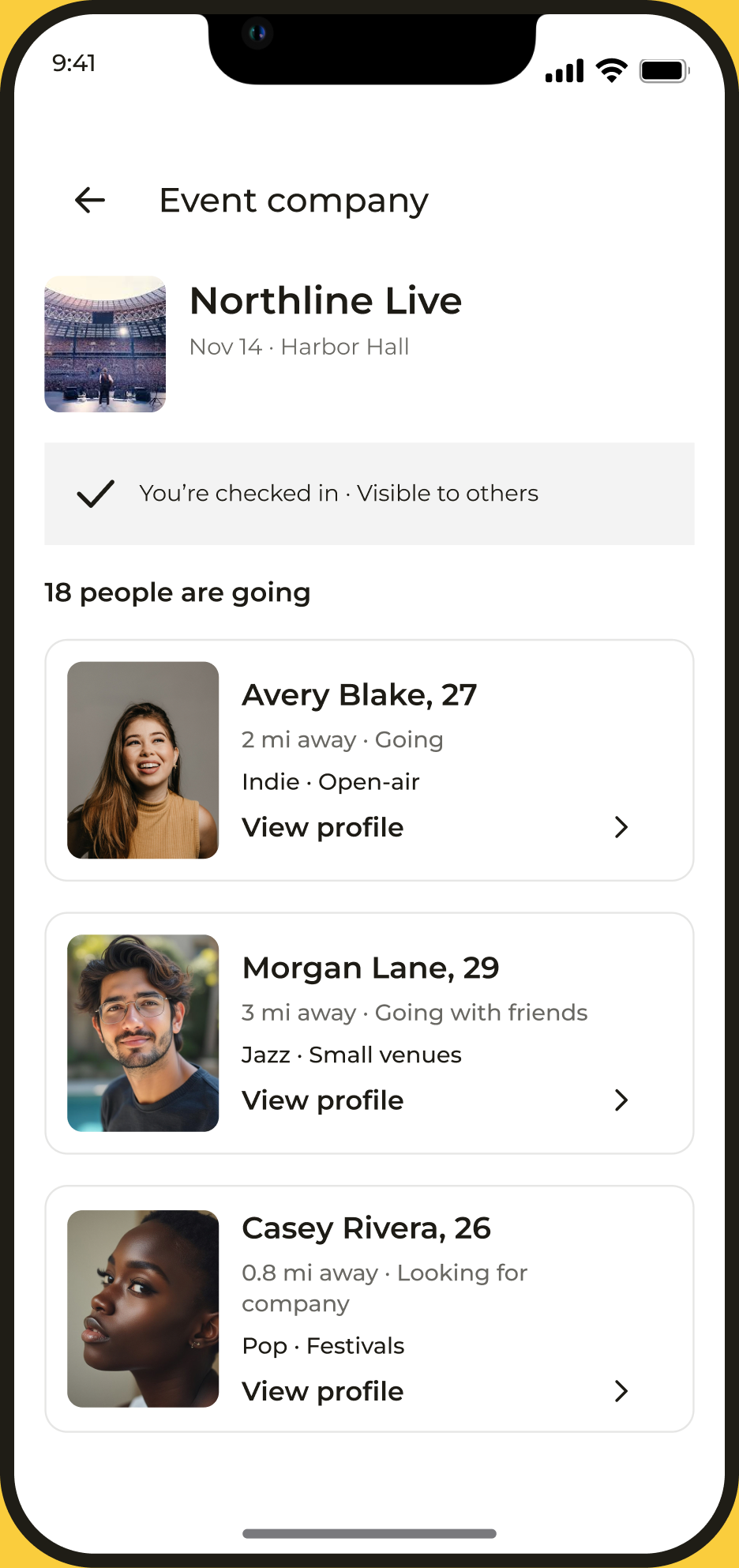
Meeting people is tied to a real reason to get together: users mark their attendance and find company among other guests.
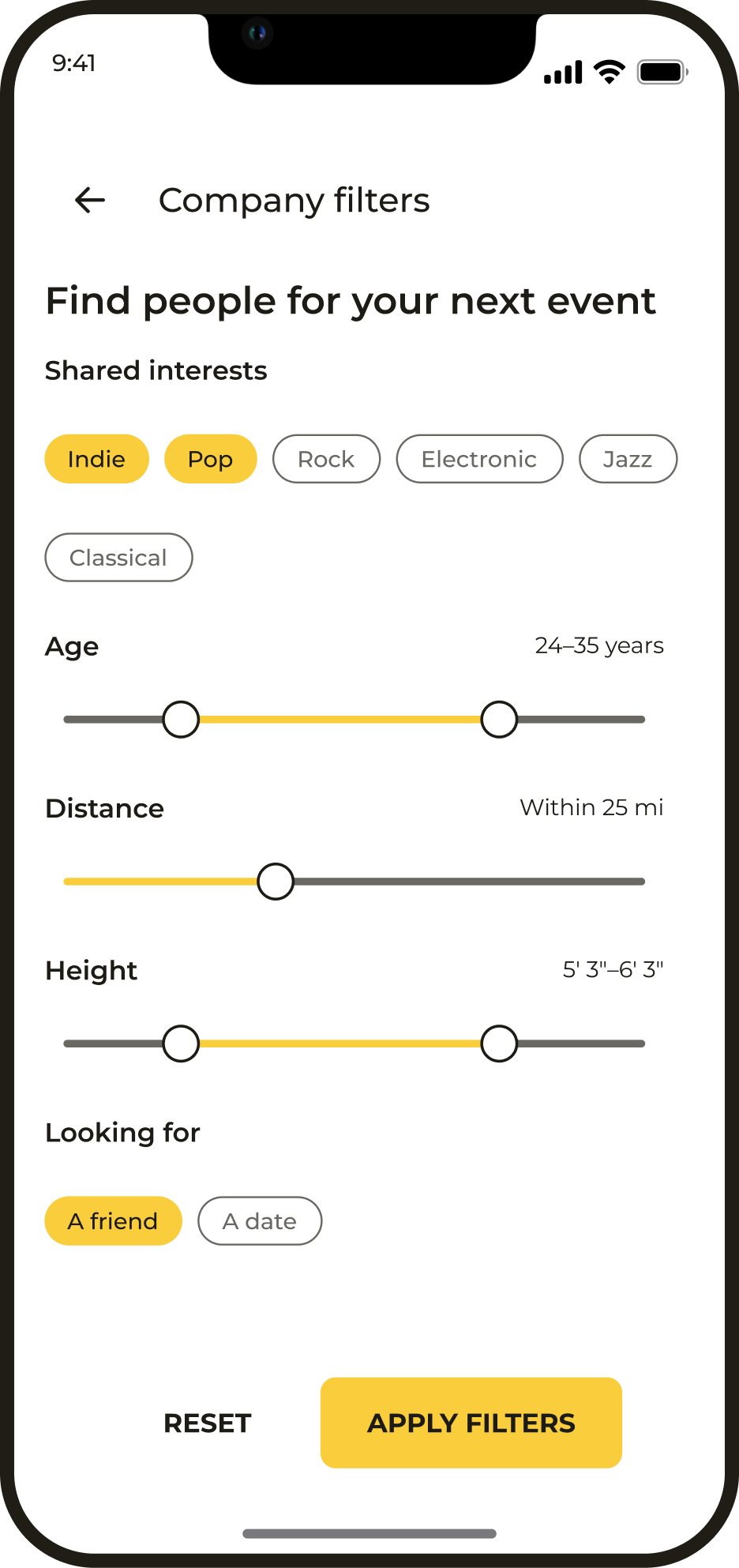
Meeting people without choosing an event
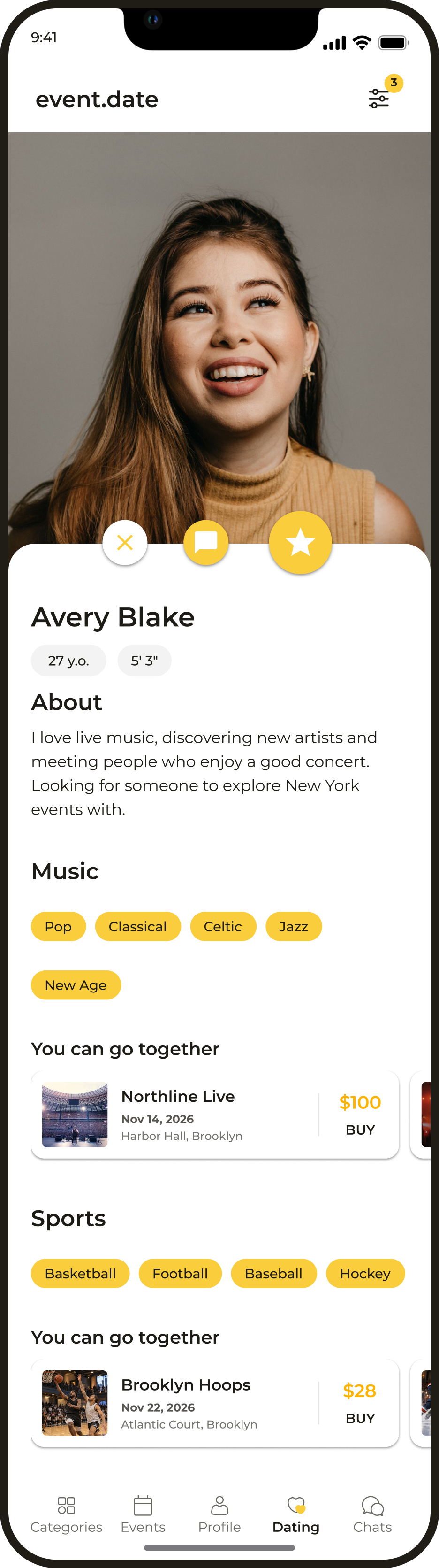
A general search helps people find someone with shared interests, even before choosing an event. Interests and plans on a profile provide a starting point for conversation.
Matching and chat
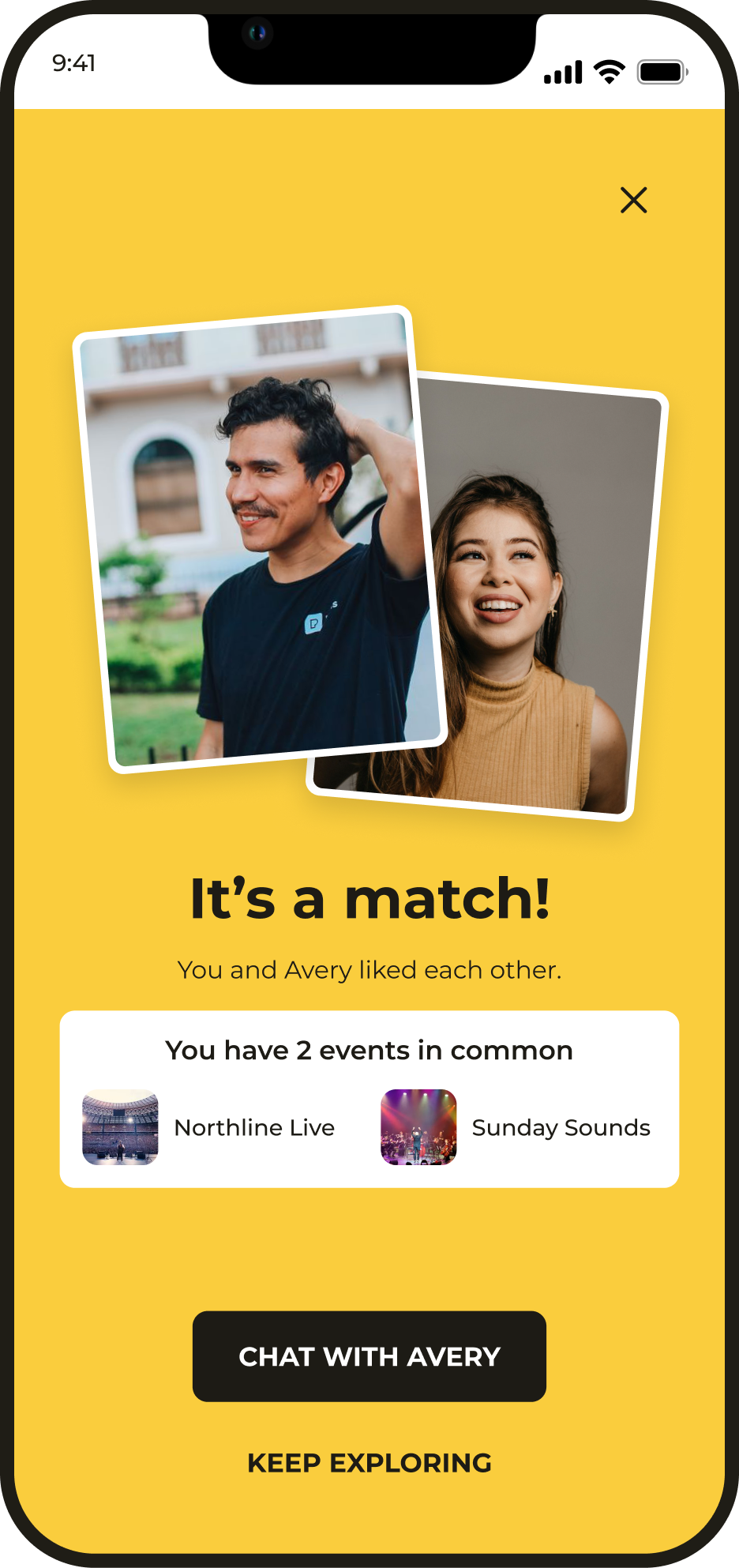
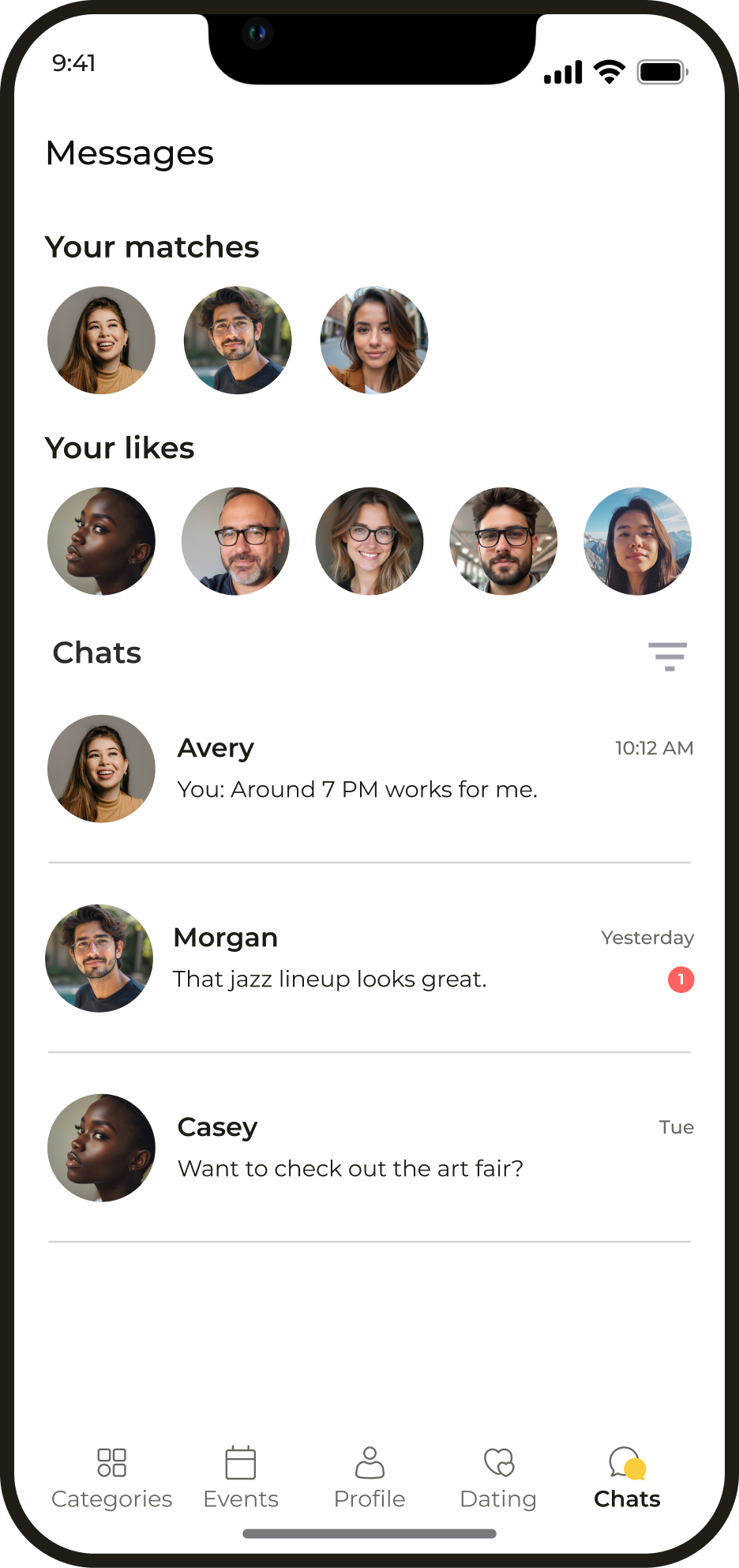
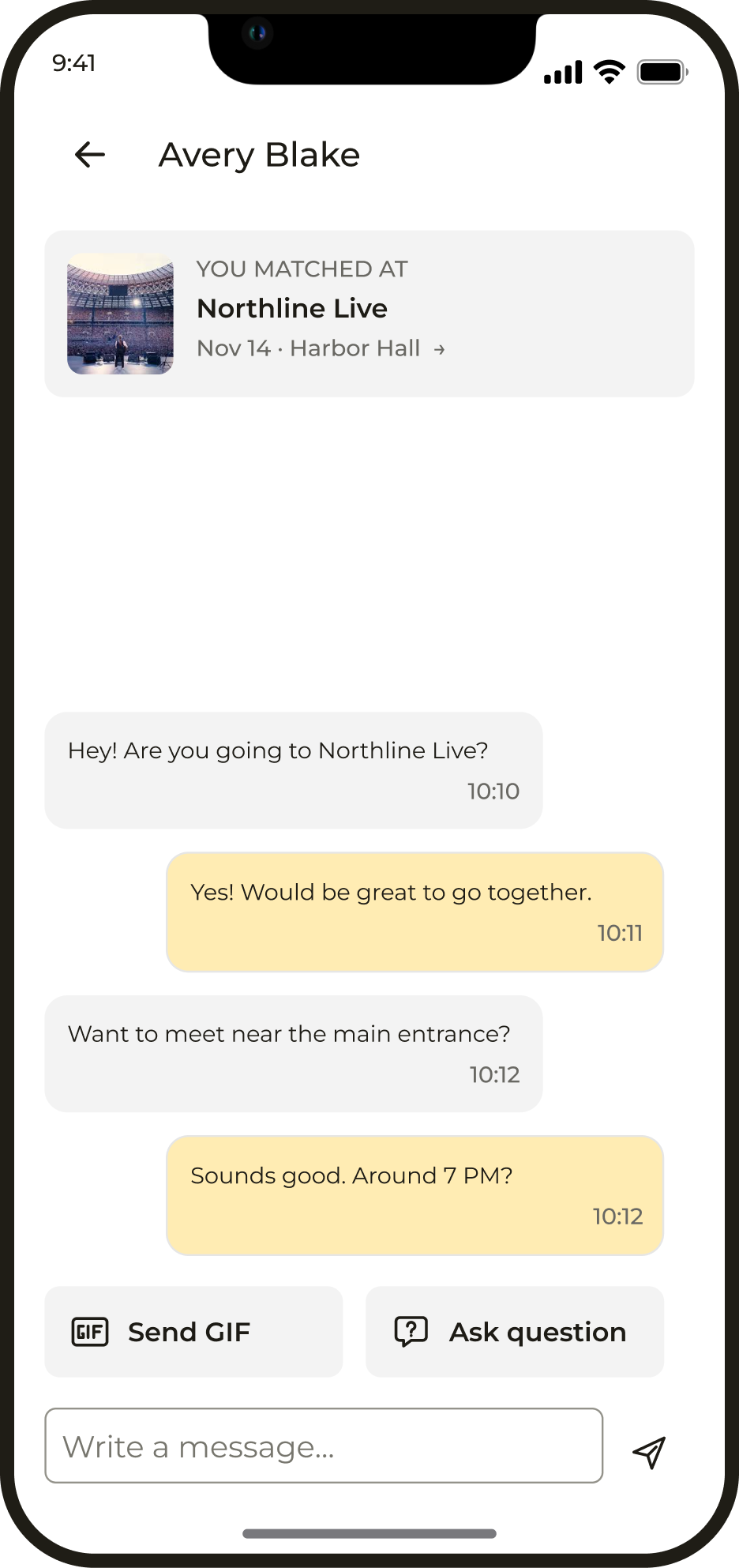
Mutual interest opens a chat to arrange a meeting. A shared event gives people a reason to send the first message, and a new conversation is available for 24 hours.
Buying a ticket
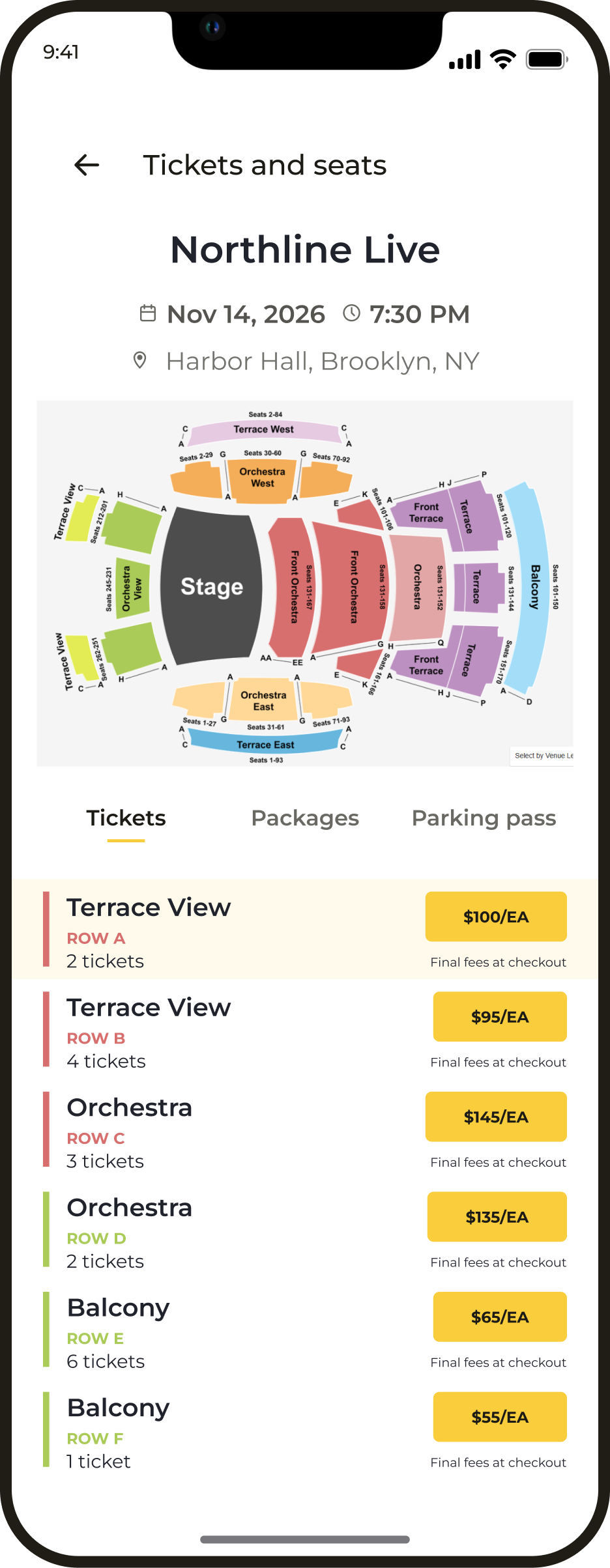
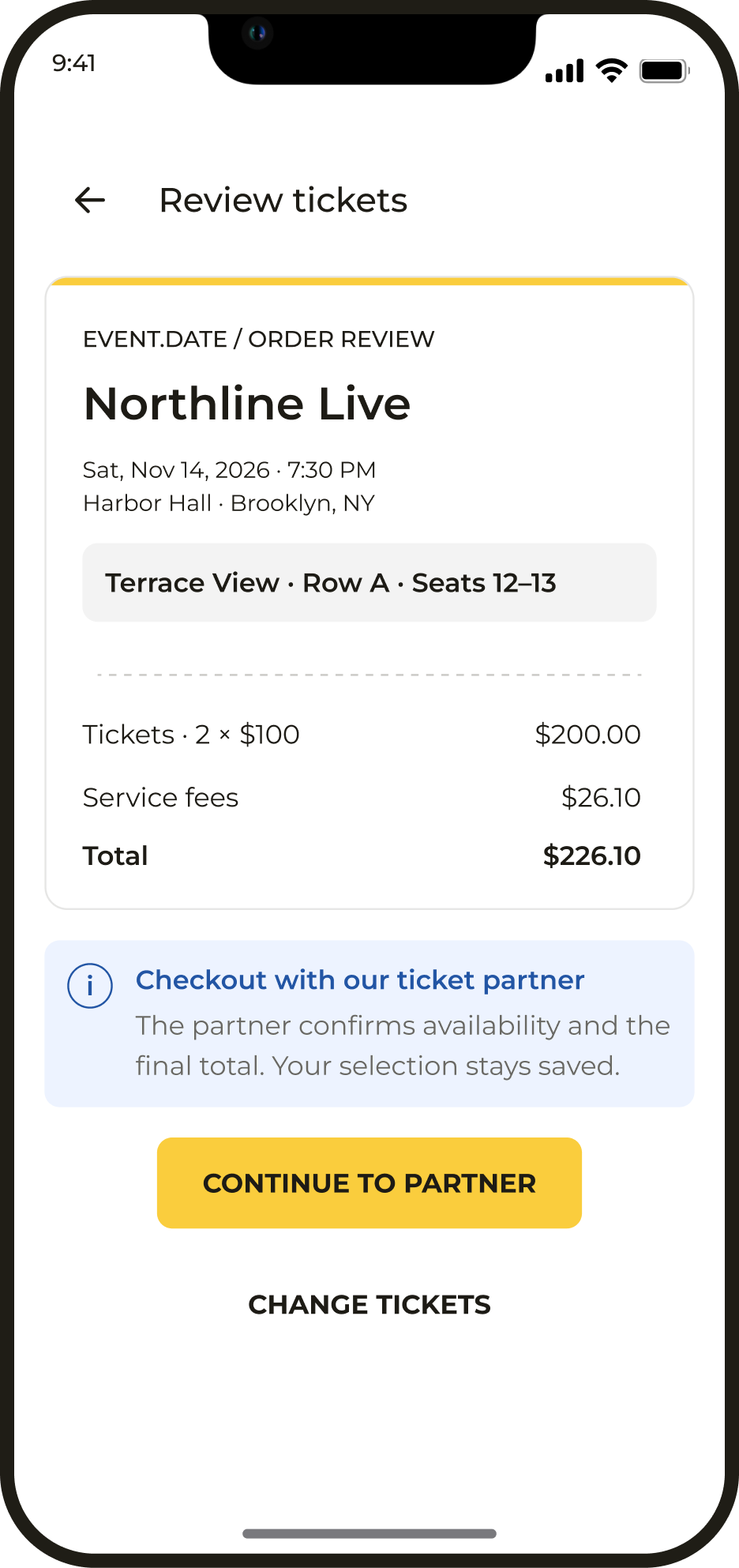
Before paying, users select tickets and review their order. Payment takes place through a ticketing partner; on returning to the app, the order and its status remain available.
After the purchase
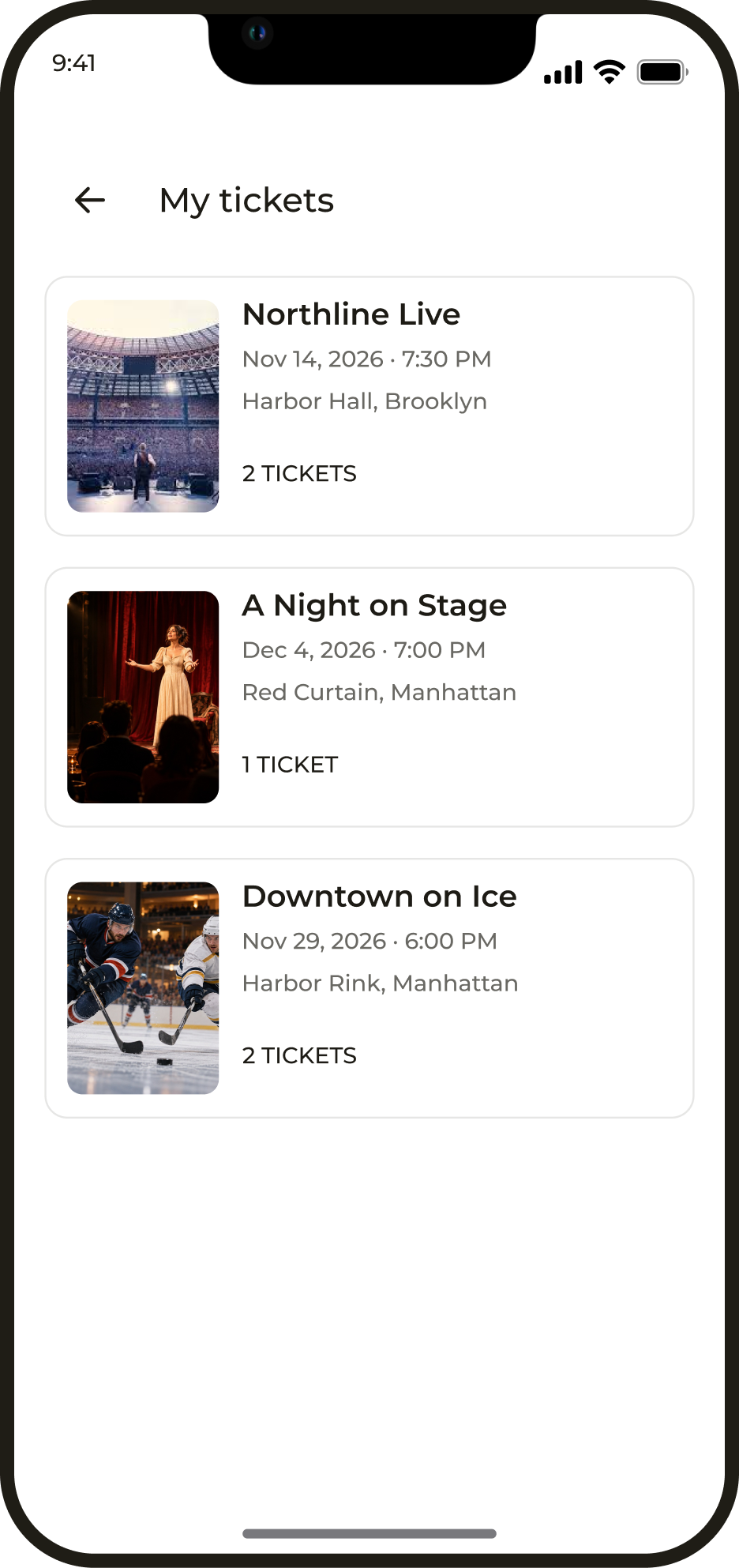
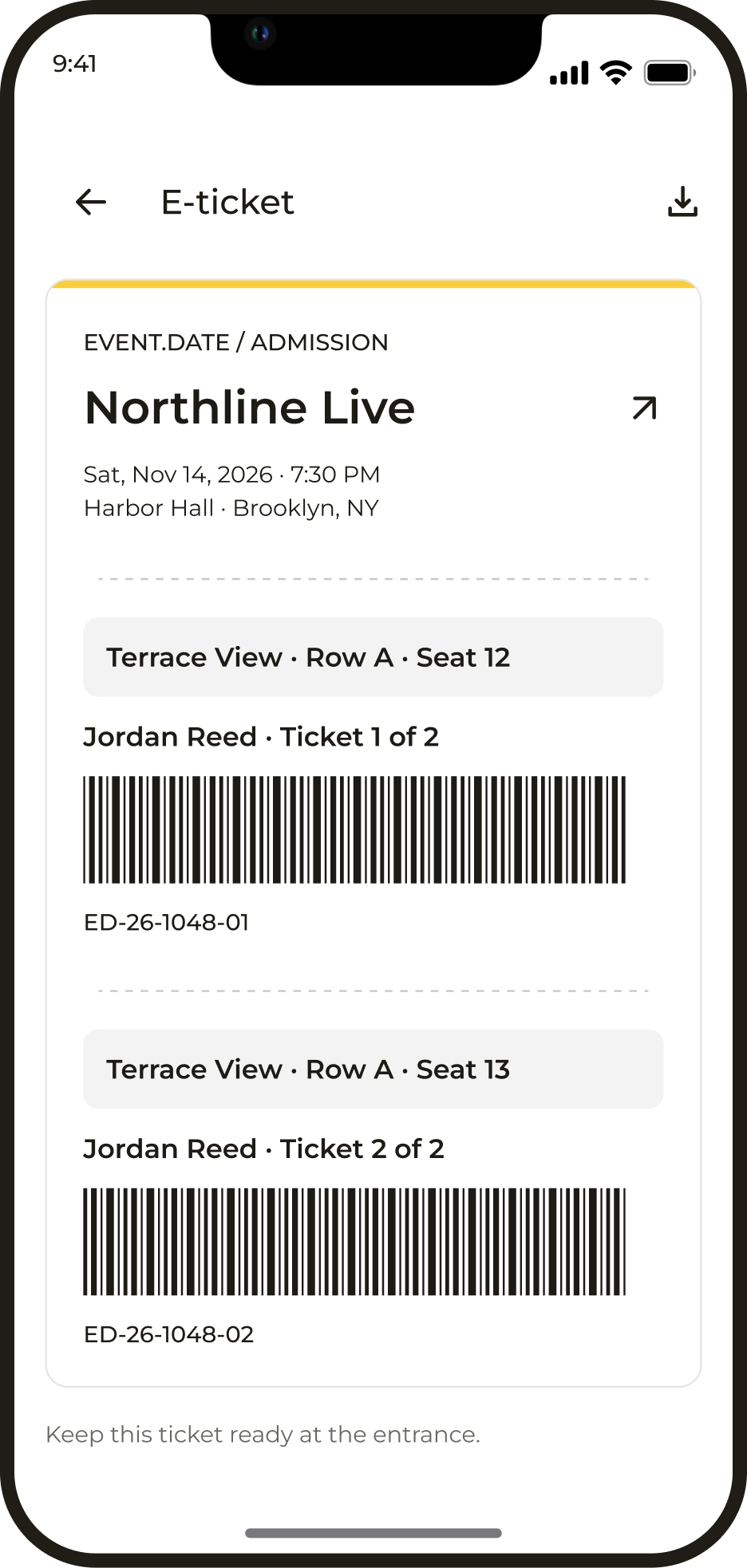
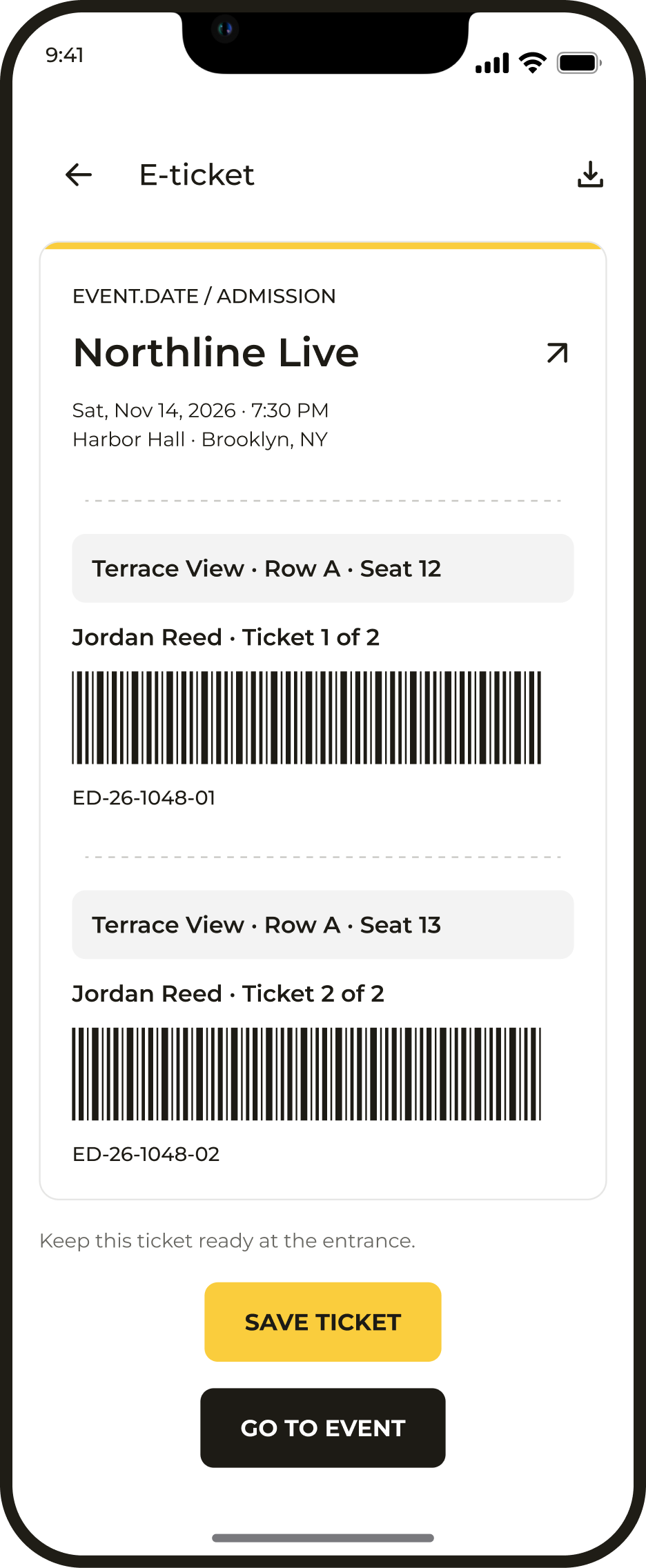
Purchased tickets are available in the app: users can open them at the event entrance or save them to their phone.
Profile and settings
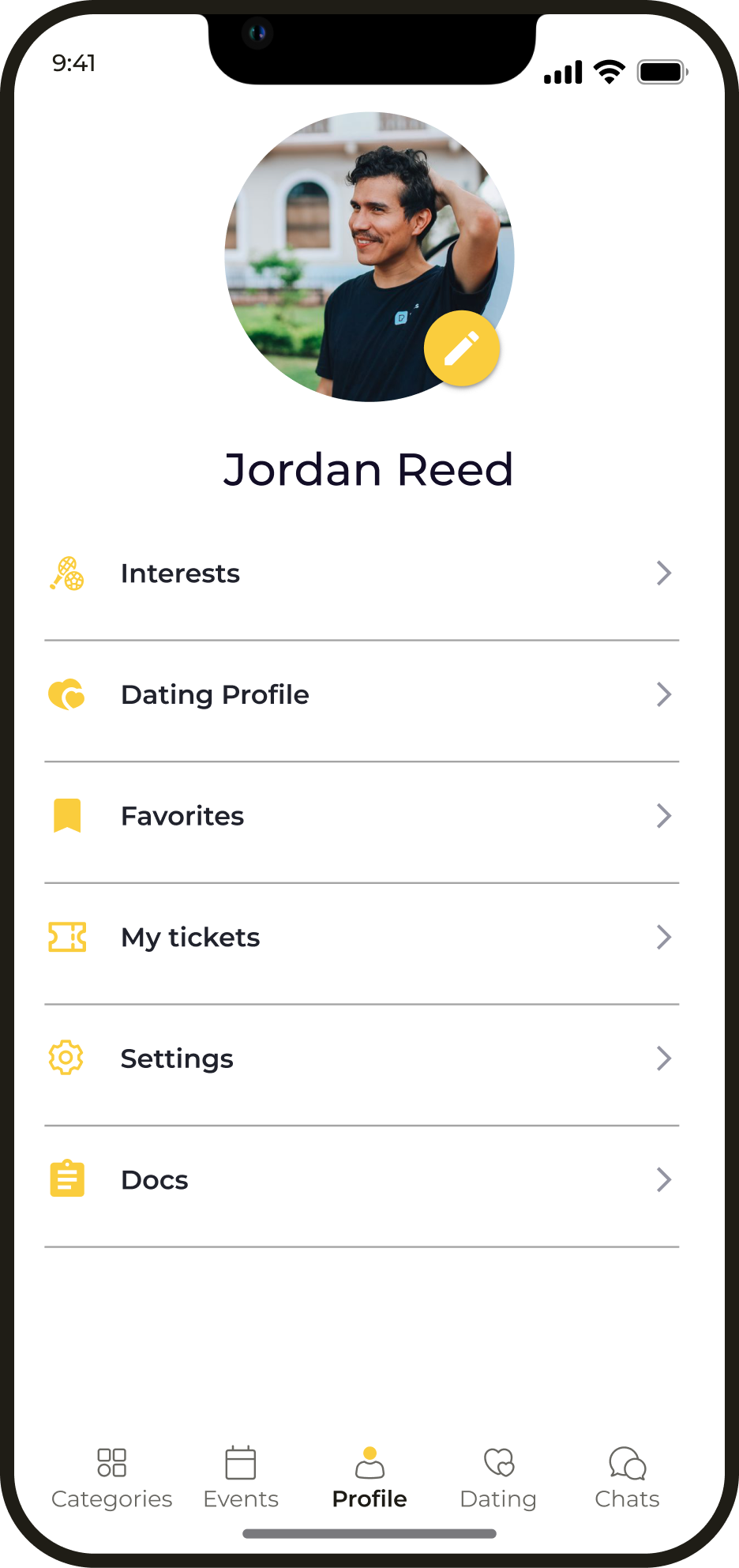
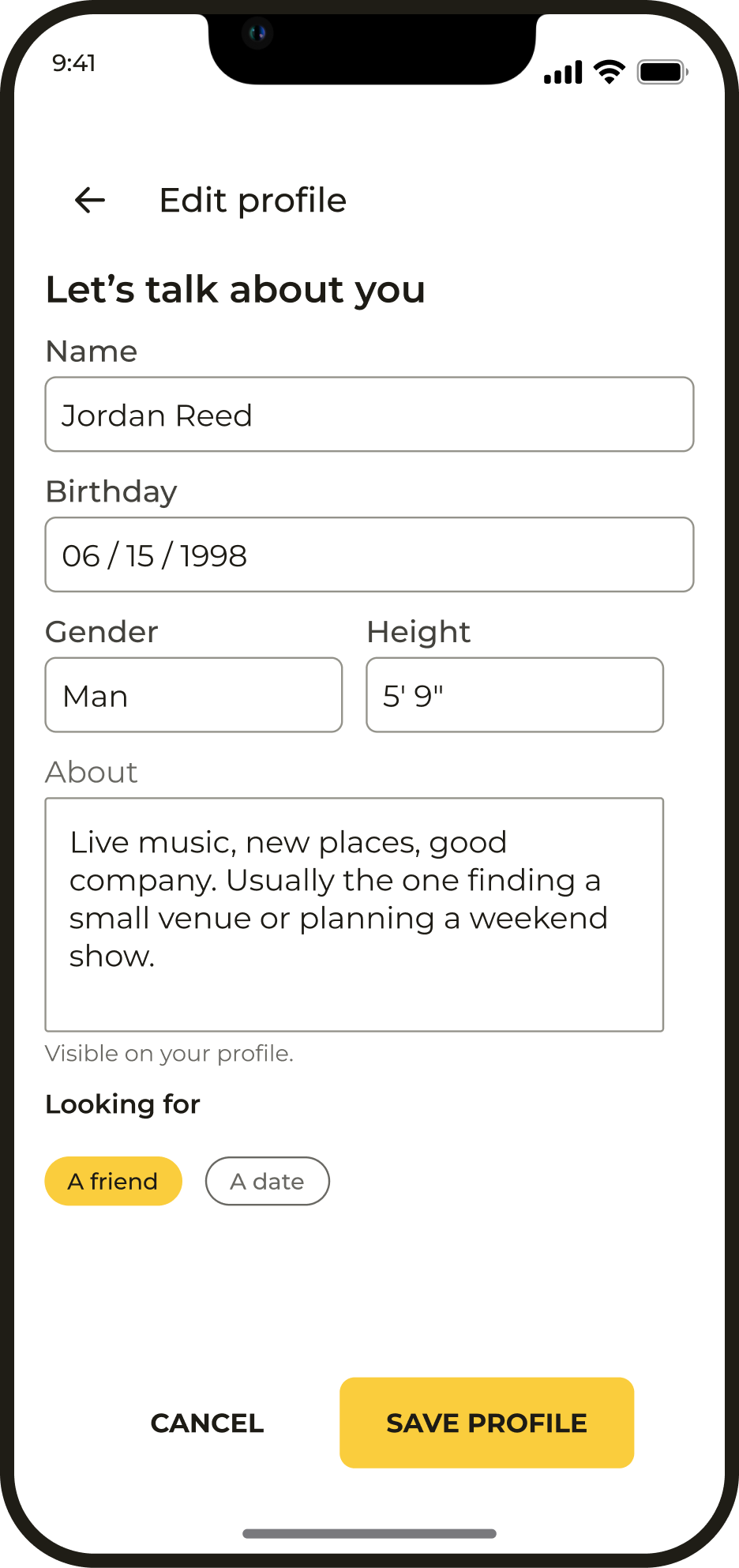
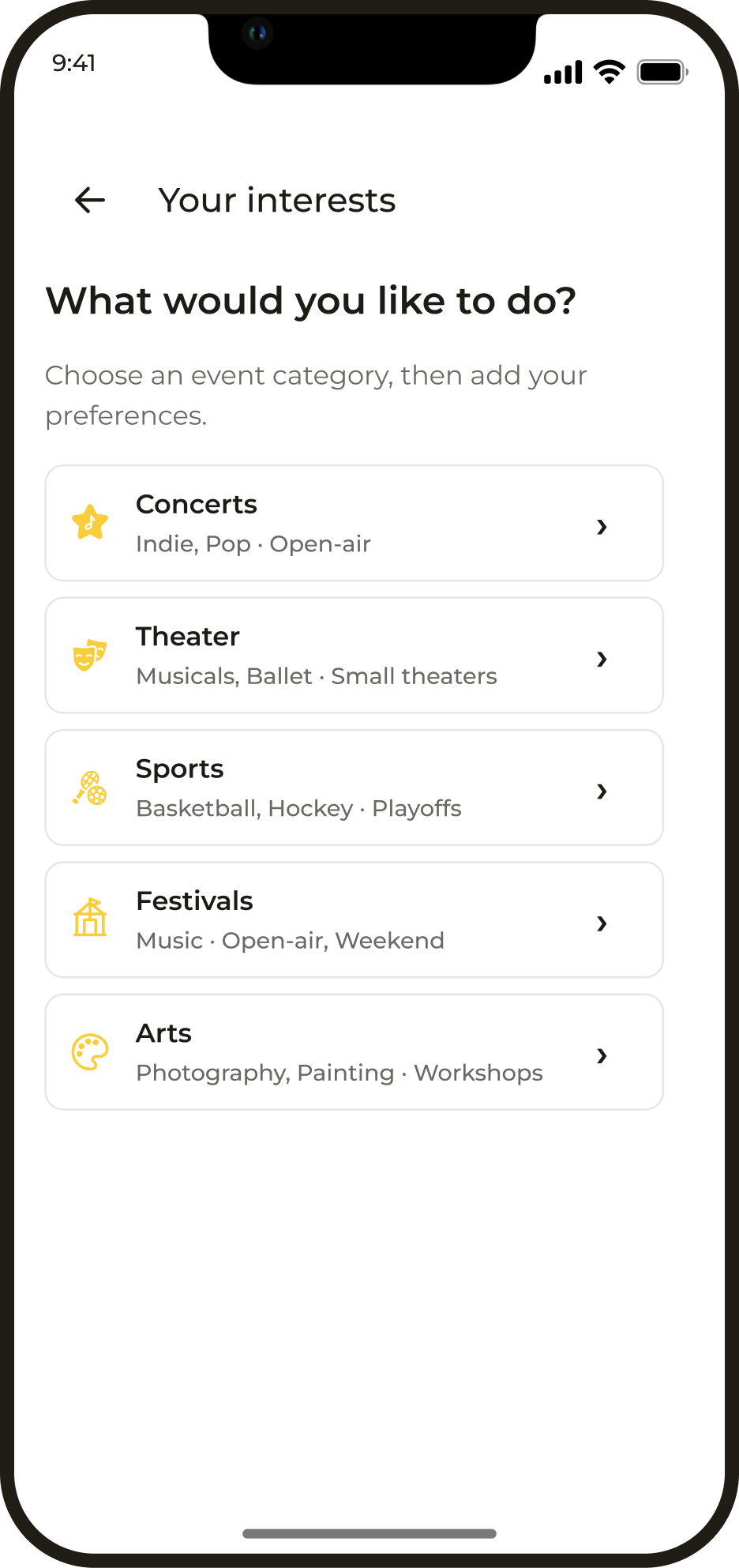
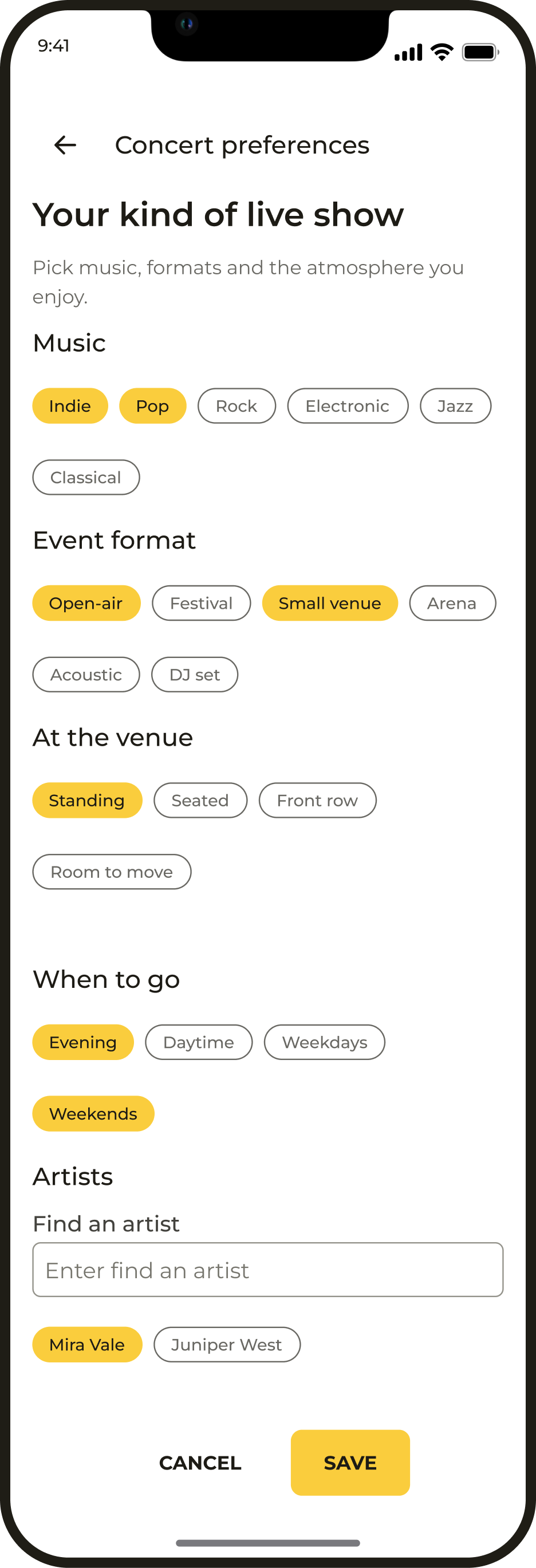
Users introduce themselves and set their interests in their profile. This information helps them find relevant events and people to go with.
Favourites
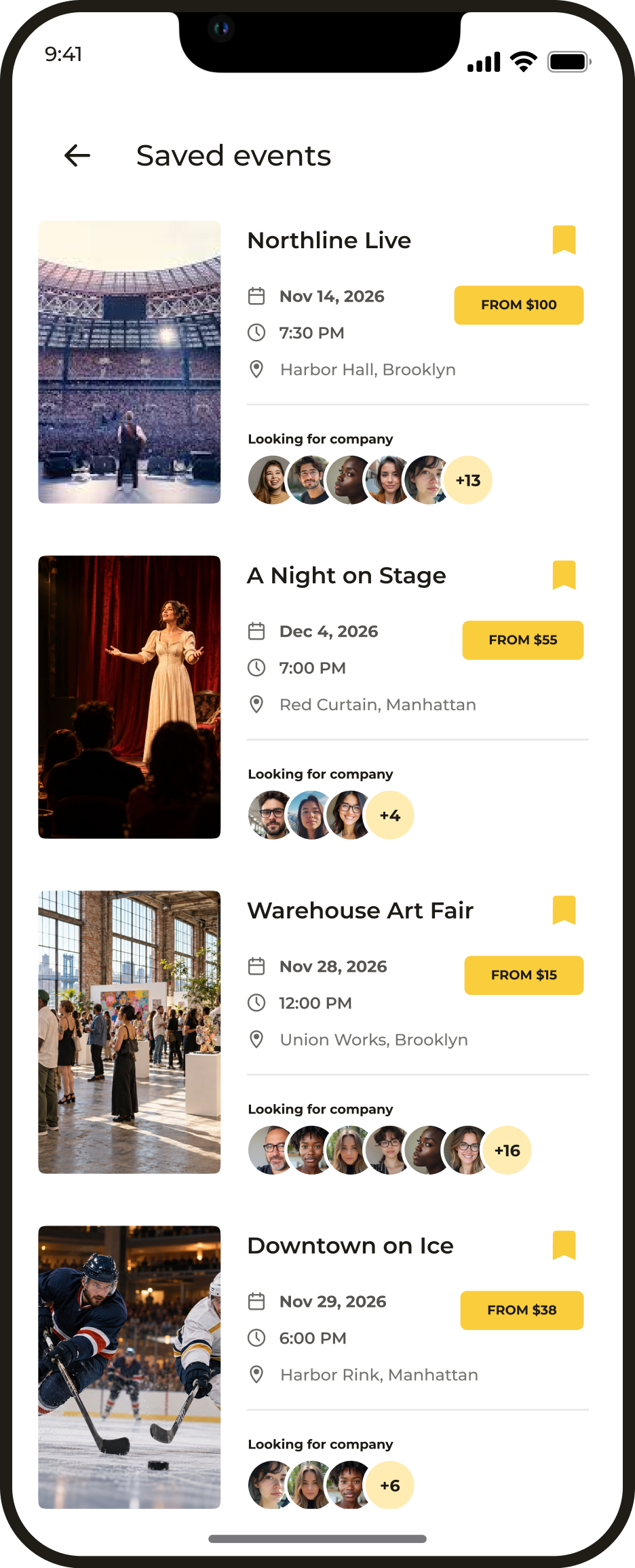
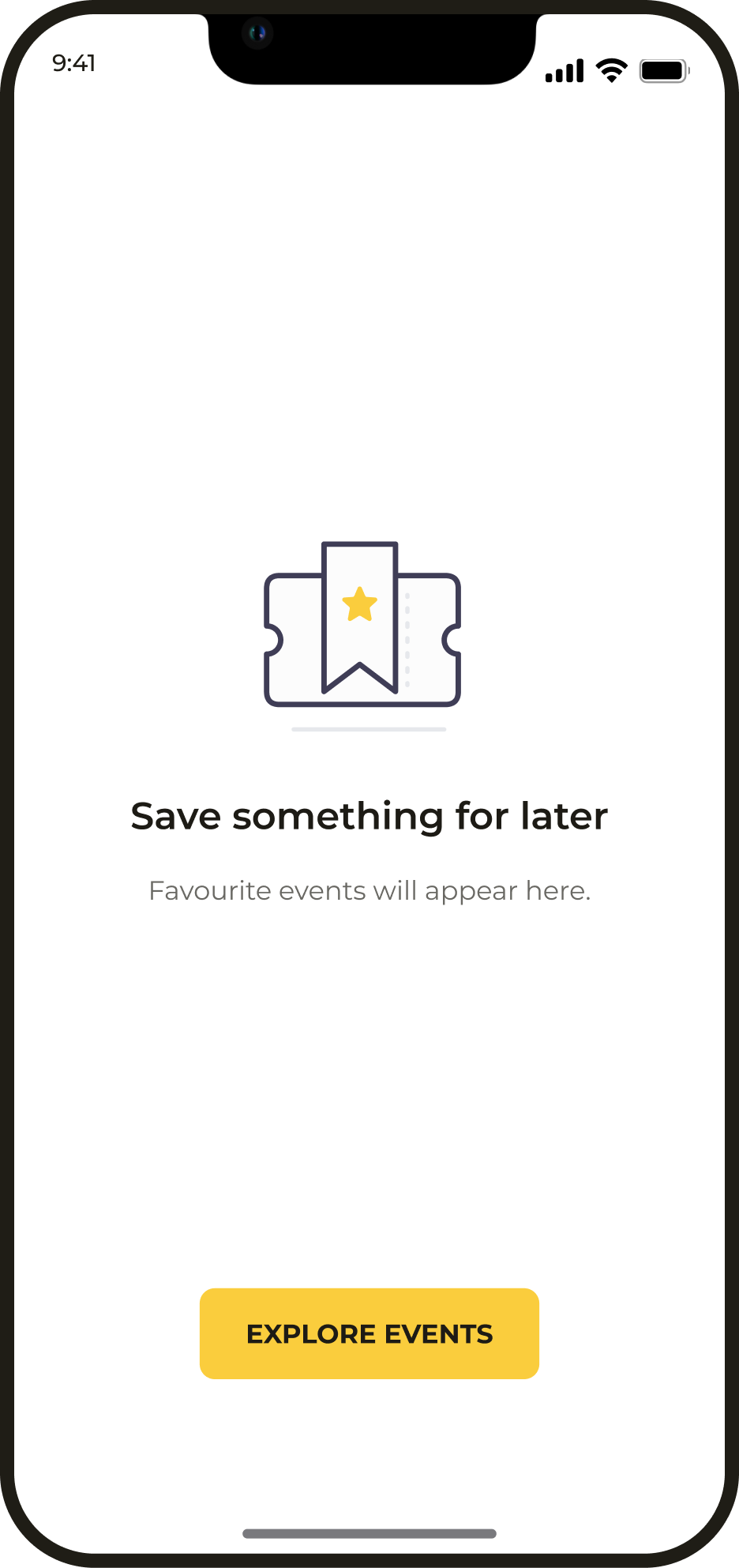
Favourites let users save interesting events and return to them later.
Designing interface states
An interrupted payment or a delayed partner response does not end the purchase flow. Each outcome provides a clear next step.

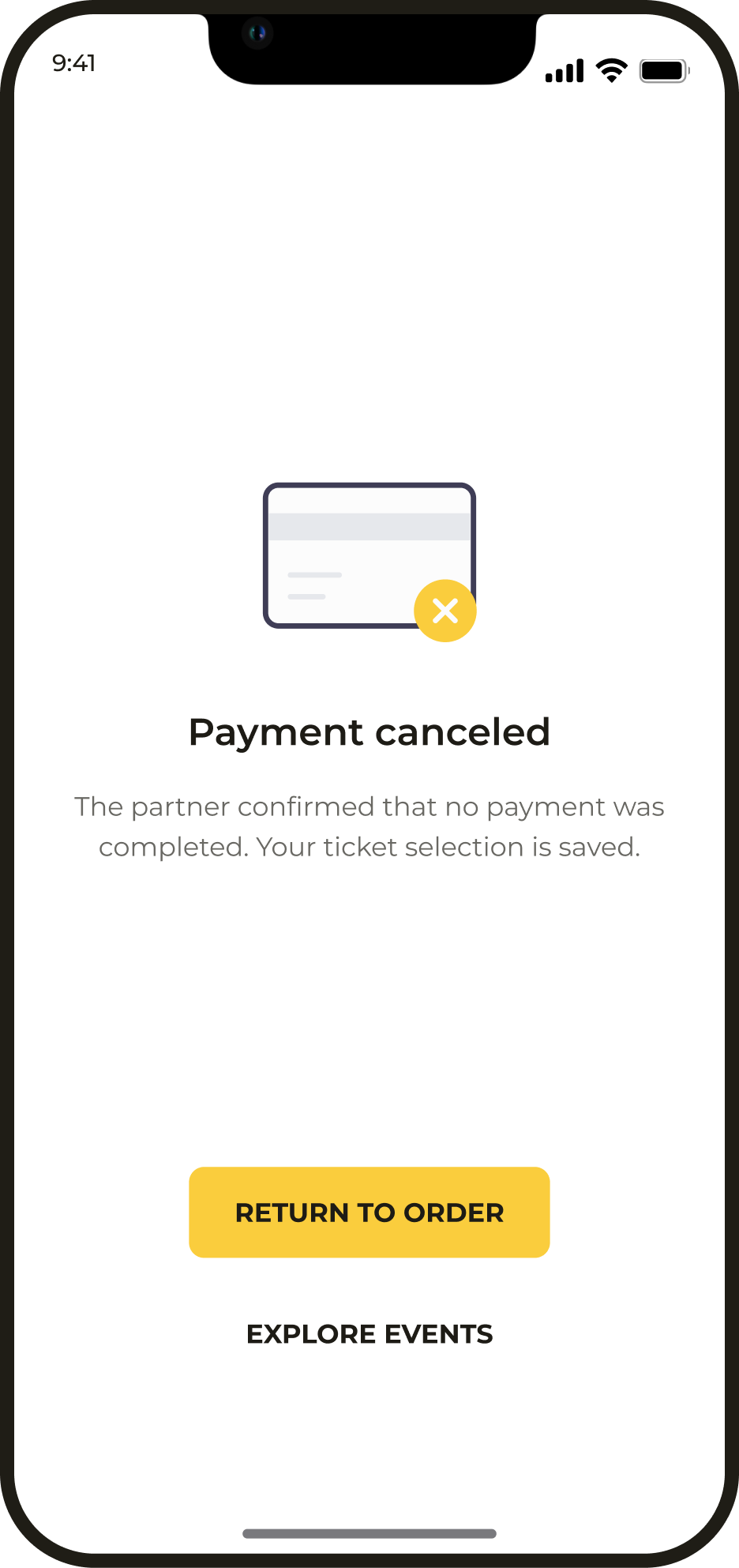
Payment cancelled
The order is saved after payment is cancelled. Users can return to it and complete the purchase.
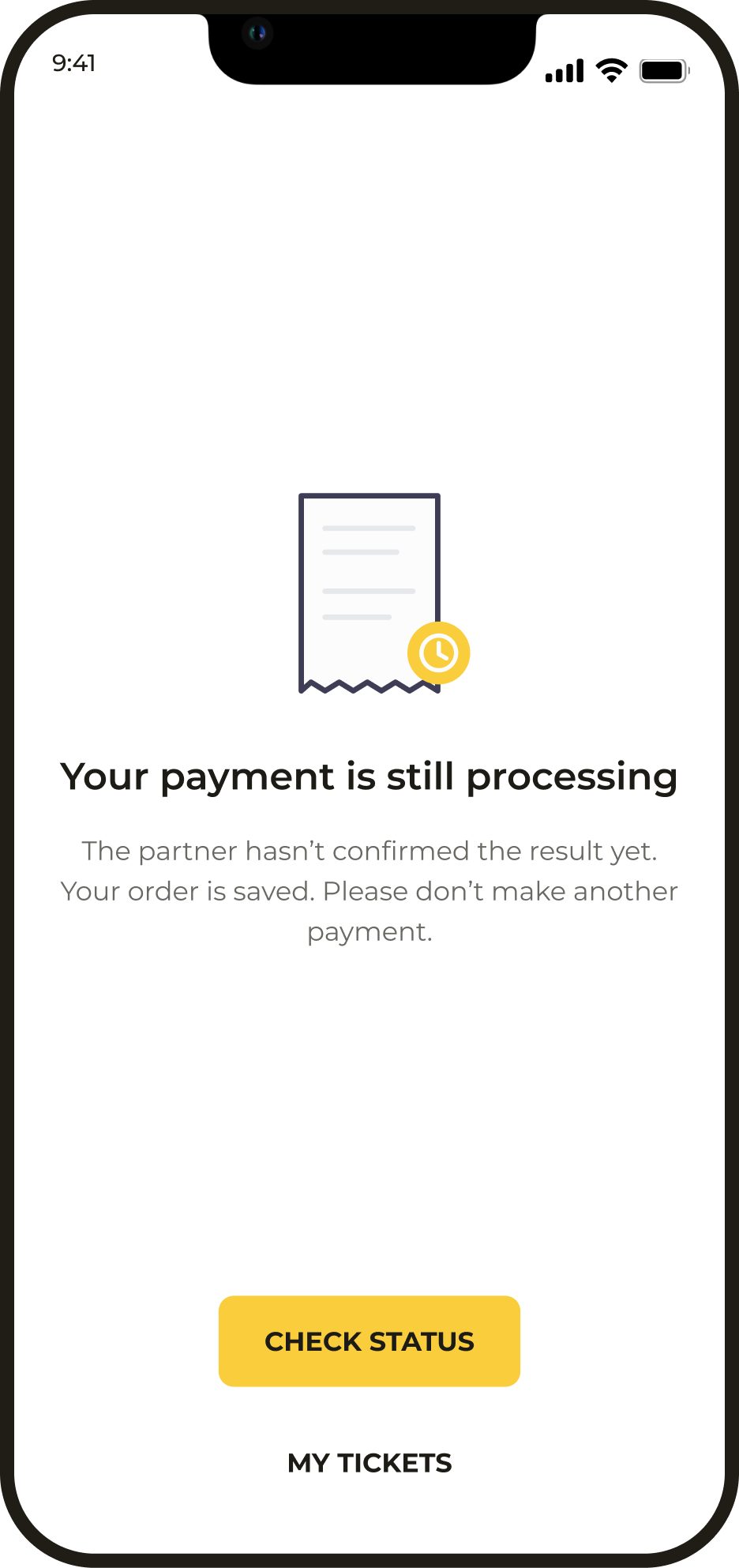
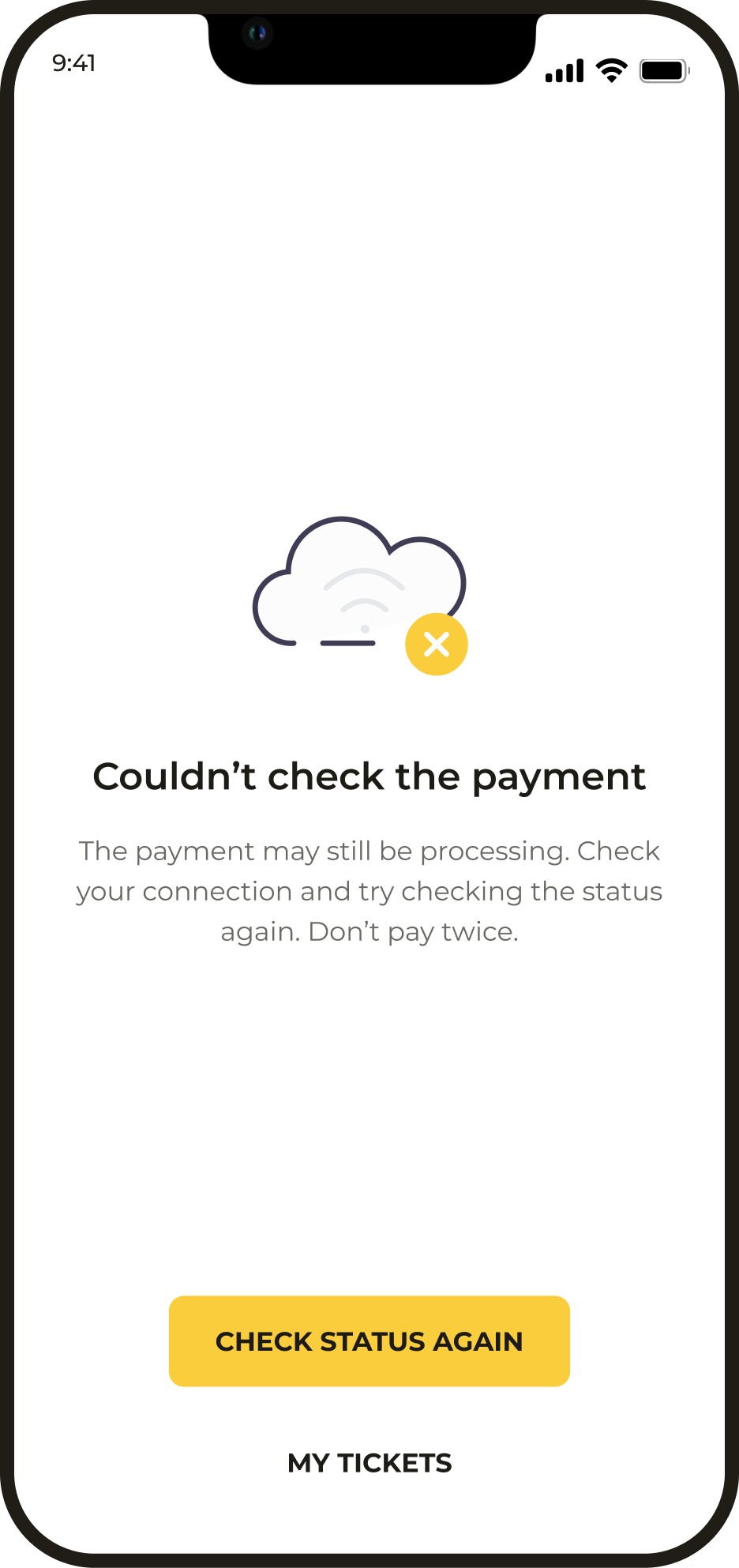
Status not yet known
While a response from the partner is pending, the order remains available to check. The pending status makes it clear that there is no need to pay again yet.
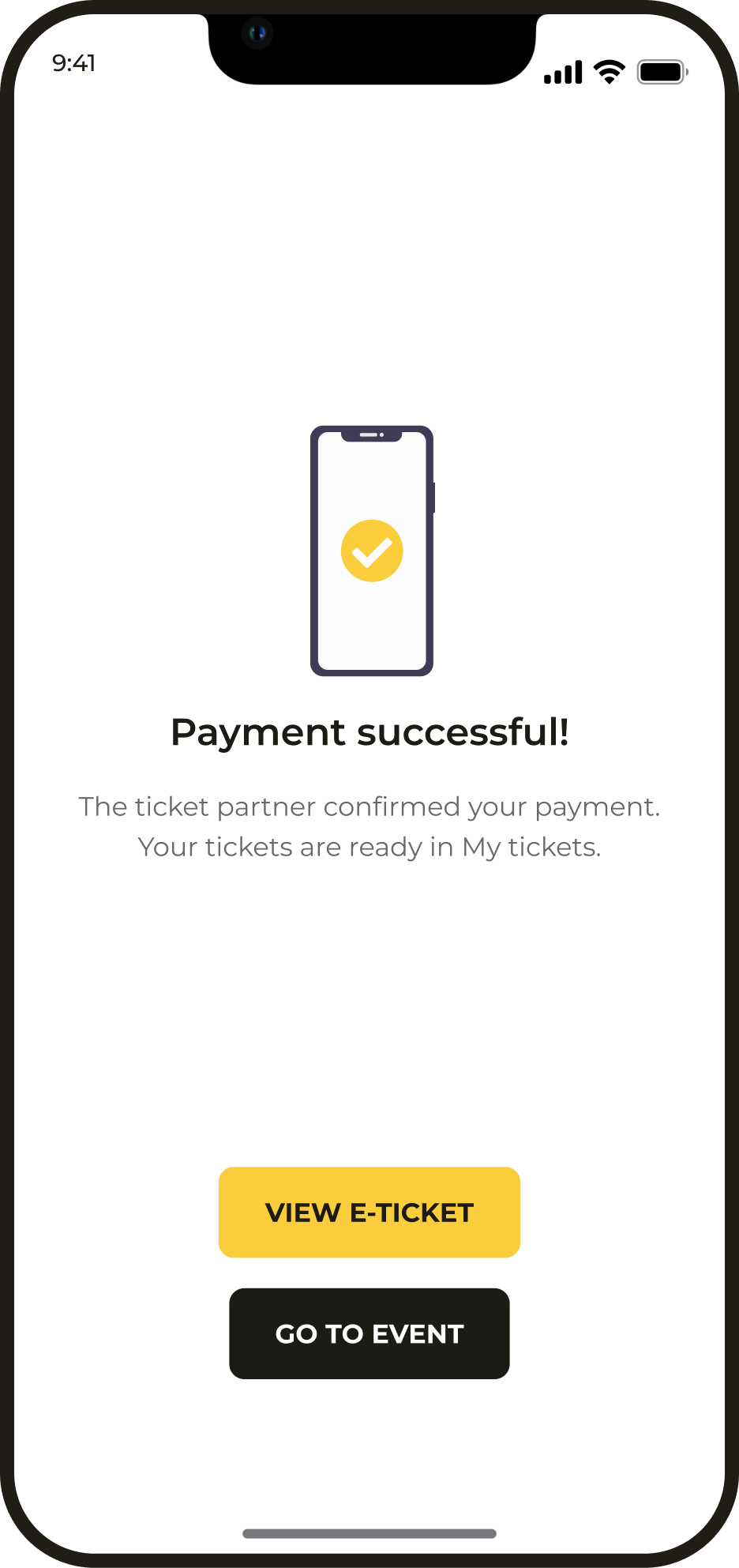
Payment successful
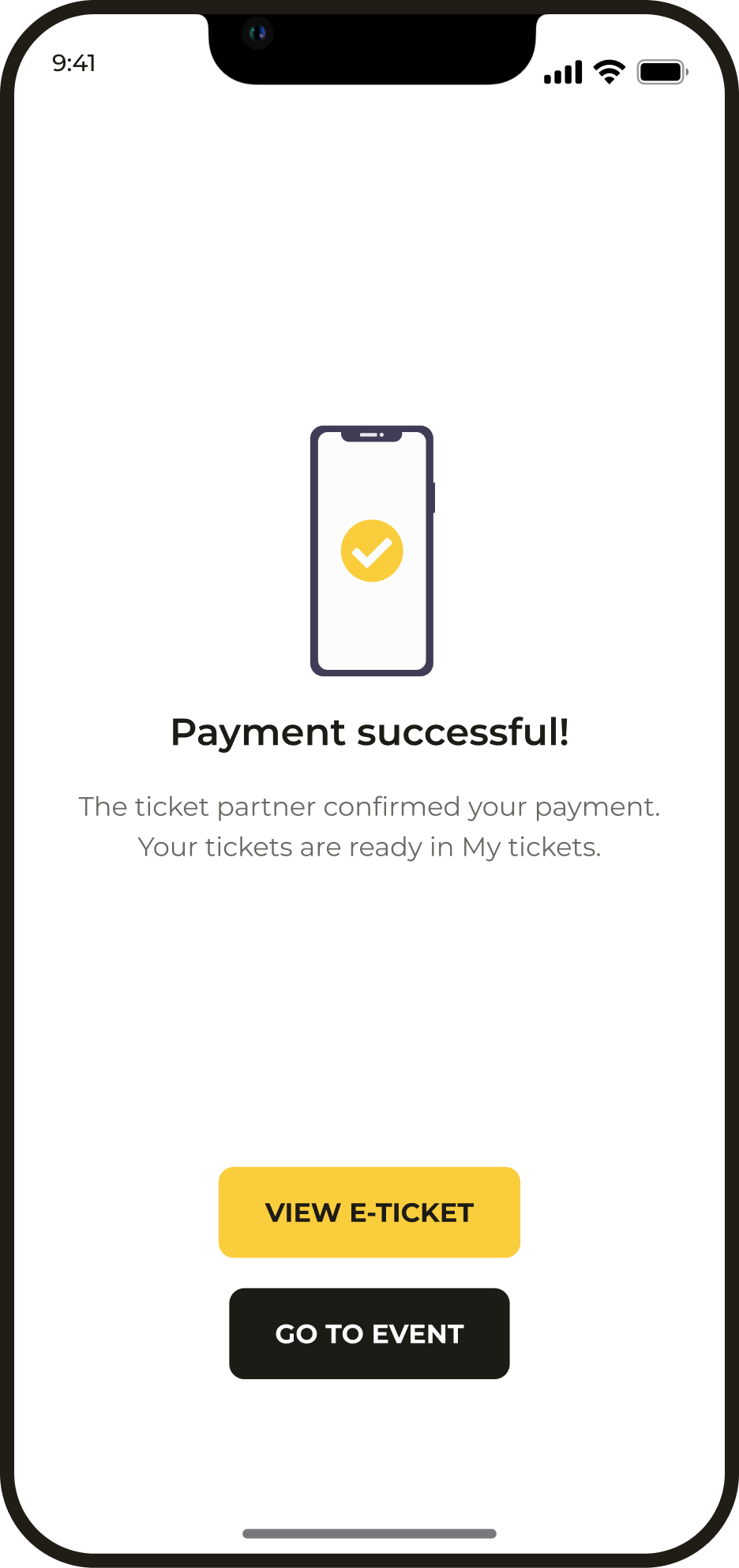
Payment confirmation shows the purchase result and provides access to the electronic ticket.
Waiting for the ticket
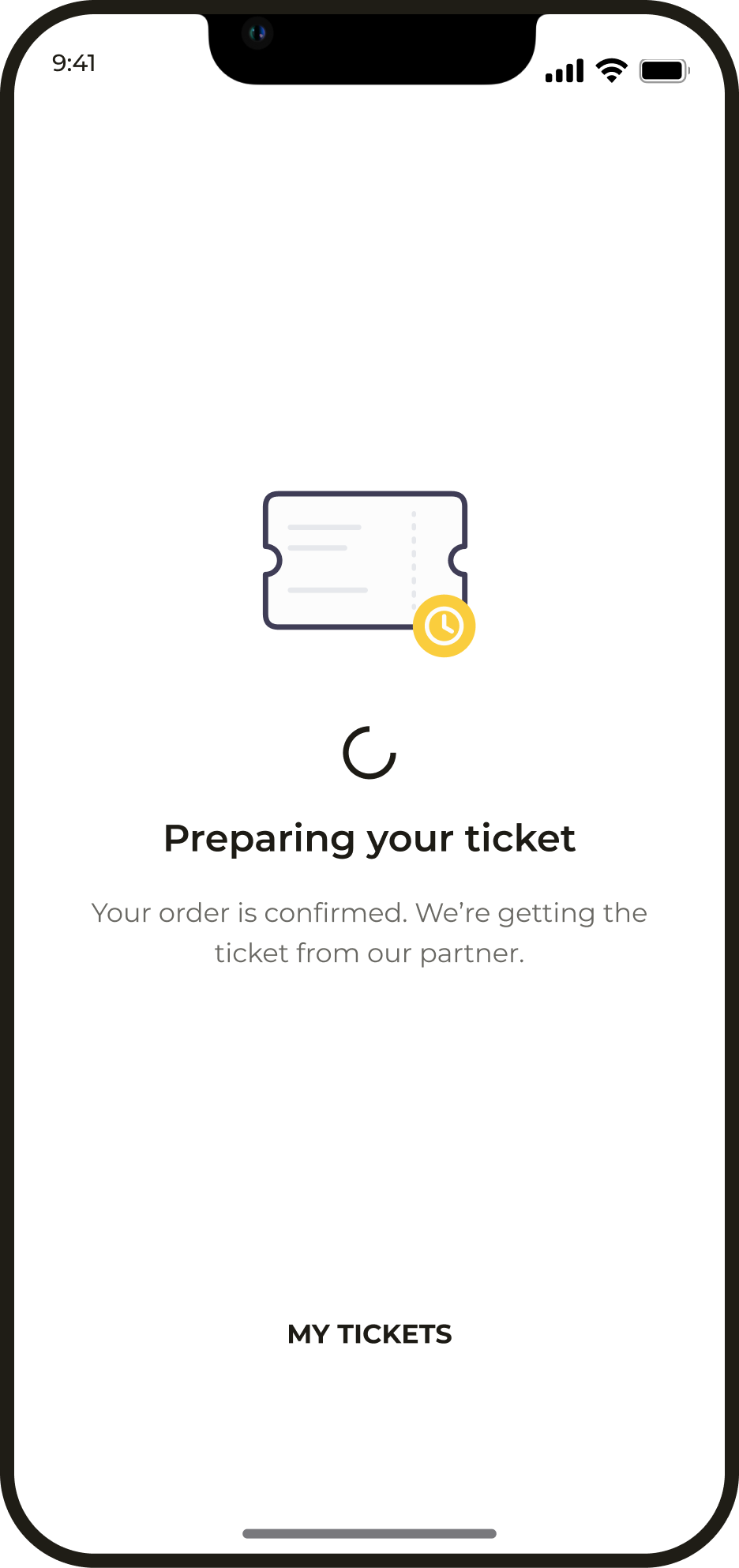
Payment and ticket availability are separate stages. While the partner prepares the ticket, the order remains available in the app.
Design system
The interface is built on consistent typography, colour and component guidelines. The library covers core elements and their states, helping the product stay coherent as new flows are added.

Have a project
for a product designer?
Send me a link to your product and a few words about what needs to change. I will review the task and suggest a suitable way to work together. Written communication works best for project discussions.